

Screen Recorder - XRecorder


Screen Recorder - XRecorder App Info
-
App Name
Screen Recorder - XRecorder
-
Package Name
videoeditor.videorecorder.screenrecorder
-
Developer
InShot Inc. -
Category
Video Players & Editors -
Updated
2026/04/23
-
Version
2.5.2.1
Screen Recorder & Video Recorder
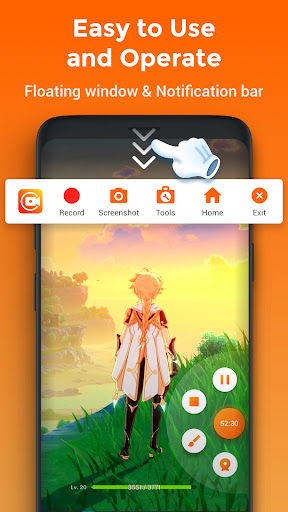
XRecorder is the ultimate screen recording and video capturing app. With just a tap on the floating ball, you can record HD video tutorials, video calls, and important moments. Download XRecorder to capture anything you like!
Functions
● Capture screen to take a clear screenshot
● Record audio on your phone
● Record audio without noise (ONLY Android 10 or above)
● YouTube & RTMP Live stream: be a gaming streamer to gain fun and popularity
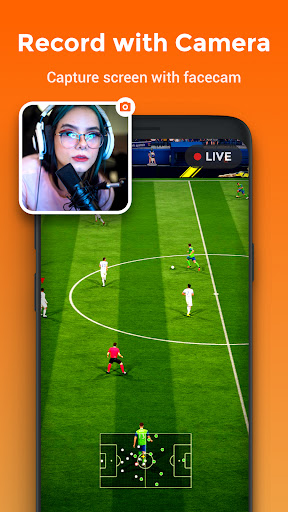
● Facecam: express reactions freely with multiple camera switch
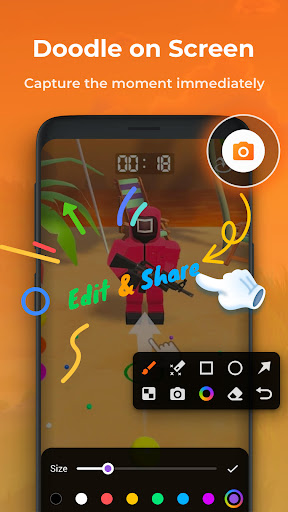
● Drawing: draw on the screen to make your screen capture extra special
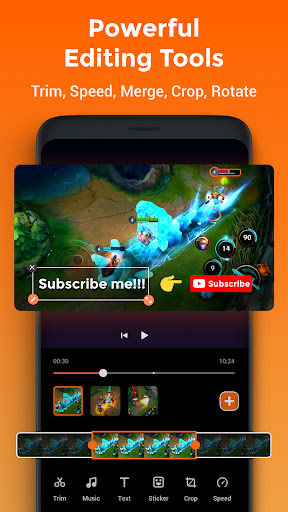
● Editing: trim, crop and speed control
● Maximum resolution recording support to enjoy the ultimate visual experience
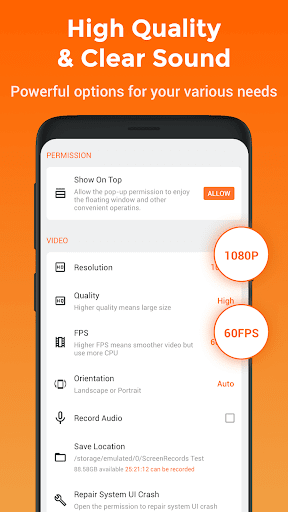
● Export video with custom settings: resolution, bitrate, frame rate
● Customize floating ball: a tailor-made one only for you
● One-tap Trash control: Enable or Disable it as you like
● Clean recording: record a clean video & screenshot
● No recording time limits & No root needed
● Snapshot: One touch to snap the exact moment or hide it when it’s not needed
● Timer: show recording time or minimize it & replace button function
● Countdown: to be a fully prepared recorder
● Recycle Bin: immediately recover deleted photos, videos, etc. within 3 days
● Alternative storage location: internal storage/SD card
● Easy to pause/resume recording, rotate screen
Overall Review
XRecorder is the perfect app for capturing and recording your screen. It offers a wide range of features, such as capturing screenshots, recording audio, live streaming, facecam, drawing, editing, and more. It also has no recording time limits, no root needed, and alternative storage locations. With XRecorder, you can capture and record anything you like with ease.


