

Cast to TV, Chromcast & Roku




Cast to TV, Chromcast & Roku App Info
-
App Name
Cast to TV, Chromcast & Roku
-
Package Name
cast.video.screenmirroring.casttotv
-
Developer
InShot Inc. -
Category
Video Players & Editors -
Updated
2026/04/09
-
Version
2.4.9
Introducing Cast to TV
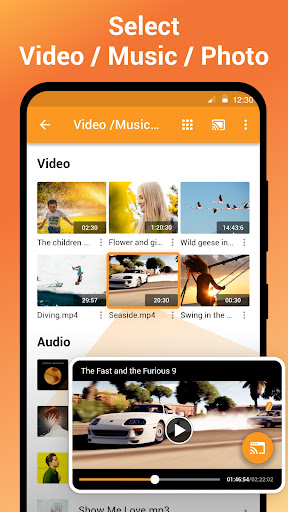
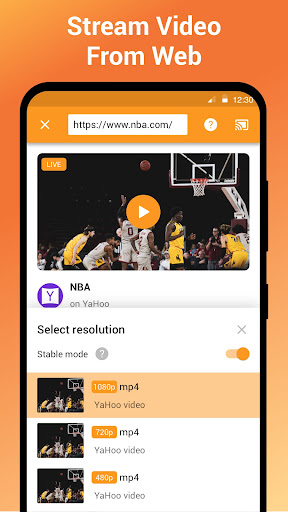
Cast to TV is an app that allows you to cast videos, music, and photos to your TV, Chromecast, Roku, Amazon Fire Stick or Fire TV, Xbox, Apple TV, or other DLNA devices. With Cast to TV, you can easily stream videos, music, and photos to your Smart TV, Chromecast, Amazon Fire Stick, and more.
Features of Cast to TV
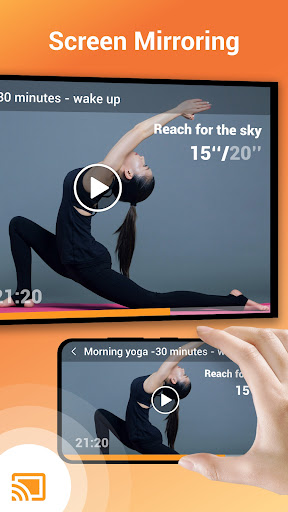
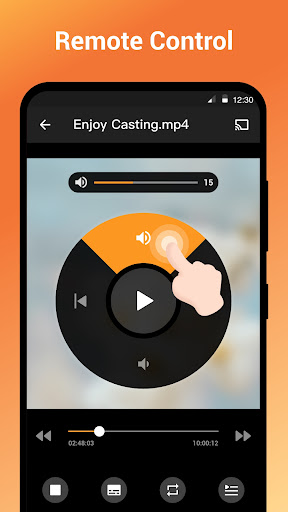
Cast to TV offers a variety of features to make streaming to your TV easy and enjoyable. You can control the playback of videos with your phone, cast videos to your TV, add local videos and audio to the app, play media in shuffle, loop, and repeat mode, and more. It also supports casting to Chromecast, Smart TVs, Xbox One and Xbox 360, Amazon Fire TV and Fire Stick, Apple TV and Airplay, Roku, and other DLNA receivers.
Overall Review of Cast to TV
Cast to TV is a great app for streaming videos, music, and photos to your TV. It is easy to connect and cast to Roku, Chromecast, and other devices. The app also offers a variety of features to make streaming to your TV easy and enjoyable. If you have any issues when streaming to your TV or casting to Chromecast, you can try rebooting your Wi-Fi router and streaming device.


