

GoPro Quik: Video Editor

GoPro Quik: Video Editor App Info
-
App Name
GoPro Quik: Video Editor
-
Package Name
com.gopro.smarty
-
Developer
GoPro -
Category
Video Players & Editors -
Updated
2026/04/20
-
Version
13.33
GoPro Quik: A Powerful Video Editing App
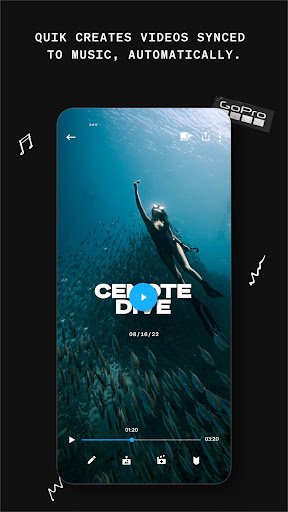
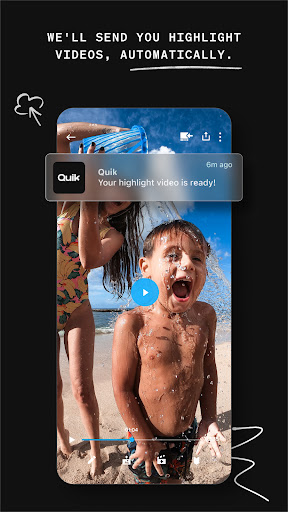
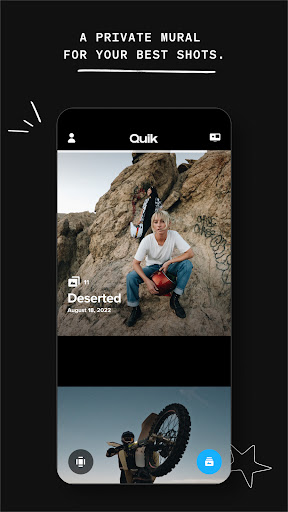
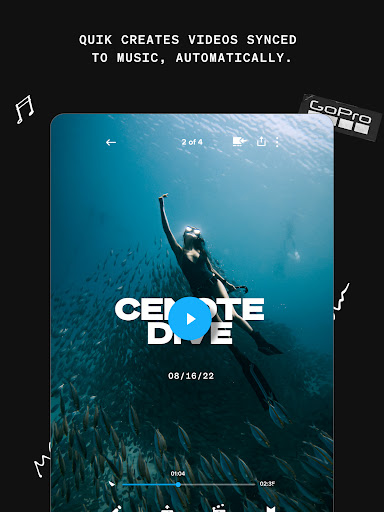
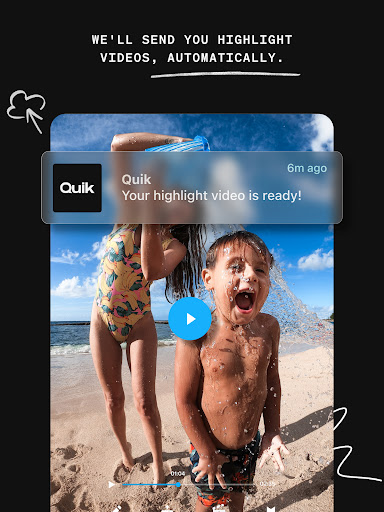
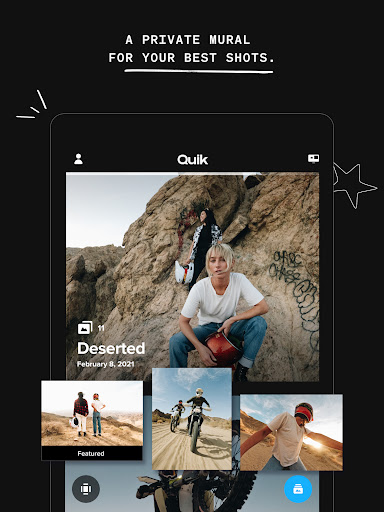
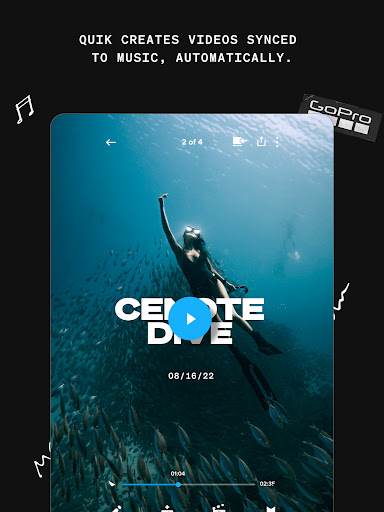
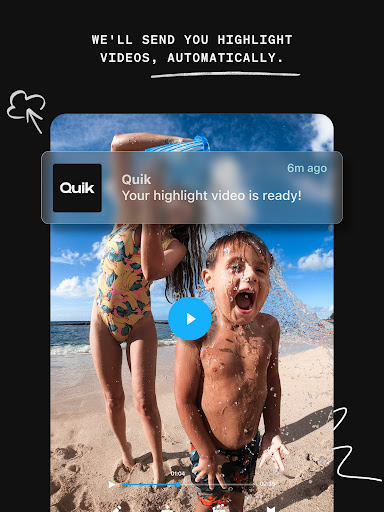
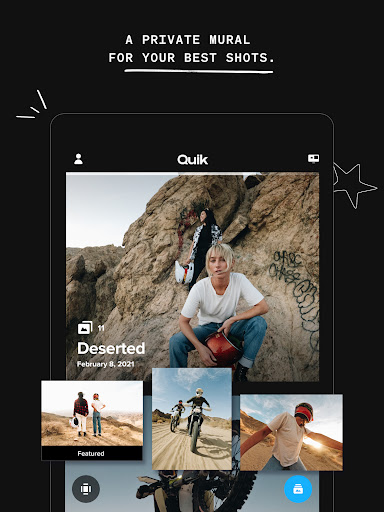
GoPro Quik is a powerful video editing app that helps you create stunning videos with ease. It automatically picks your best shots, syncs them to music, adds cinematic transitions, and creates a shareable video. With a GoPro subscription, you can even get highlight videos sent to you automatically. Plus, you get unlimited backup at 100% quality and all your favorite shots in one spot.
Powerful Editing Tools
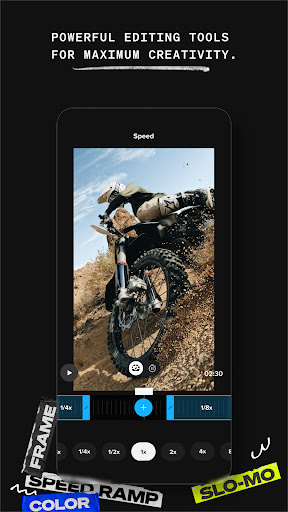
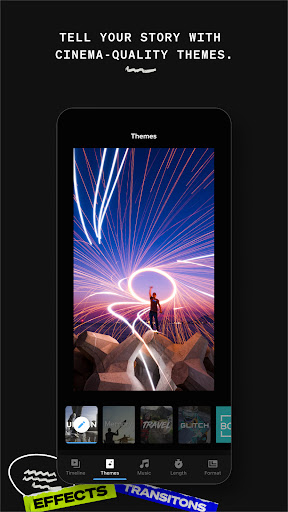
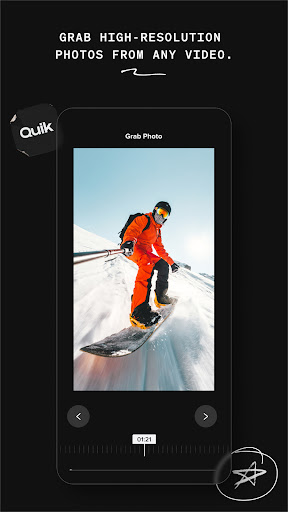
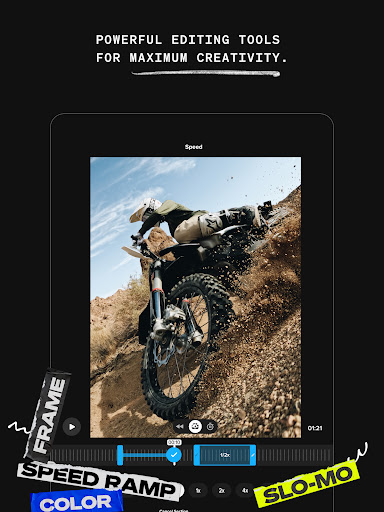
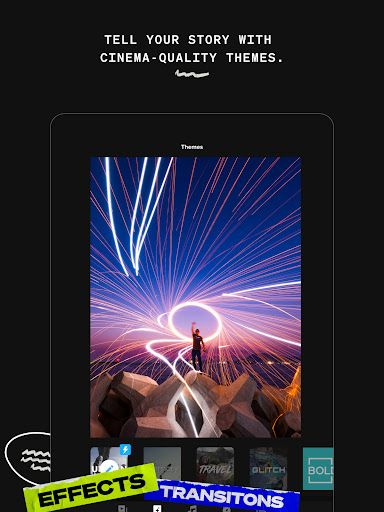
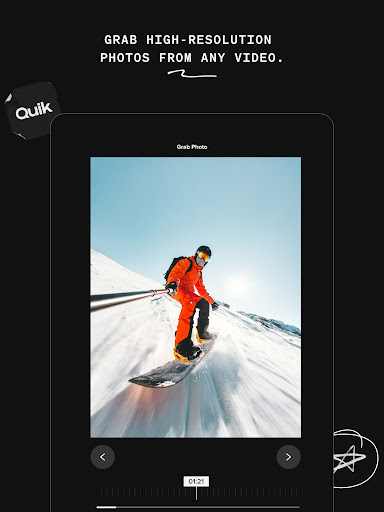
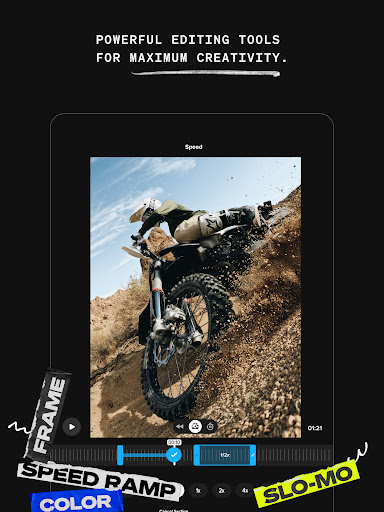
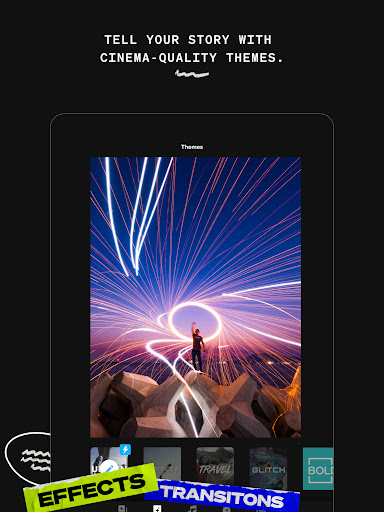
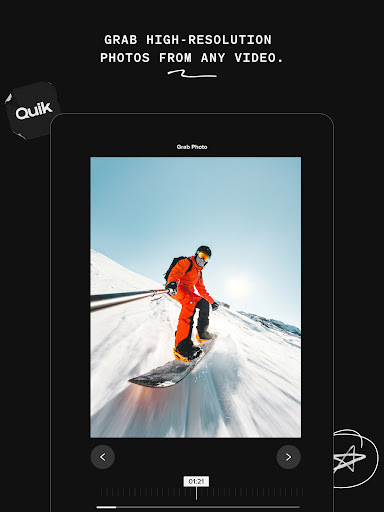
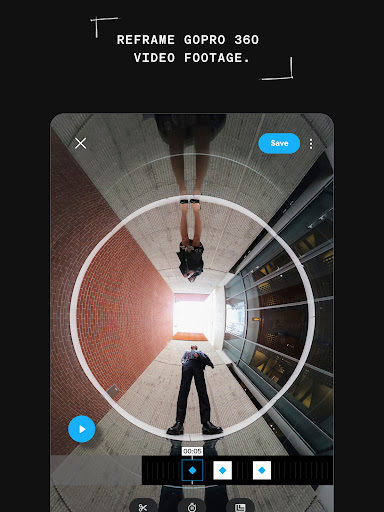
GoPro Quik offers powerful yet simple editing tools that give you manual control in a multi-selection timeline. It also features beat sync, which syncs clips, transitions, and effects to the beat of your music or GoPro music. You can also take control of video speed with the speed tool, get high resolution photos with the frame grab, and find themes with cinematic transitions, filters, and effects.
GoPro Camera Features
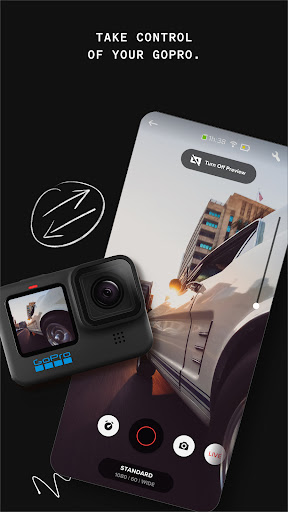
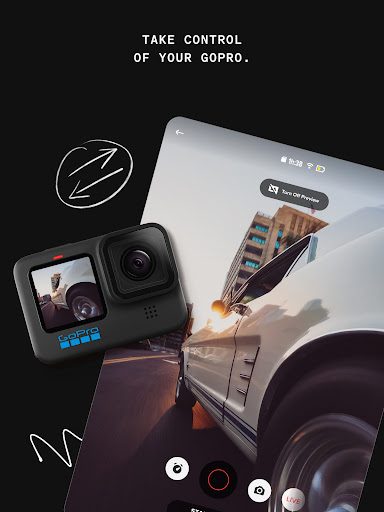
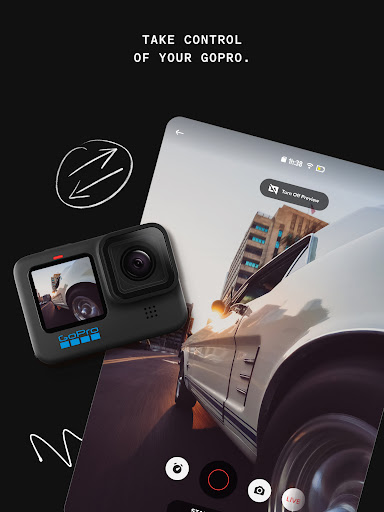
GoPro Quik also offers features for GoPro camera owners. You can use your phone as a remote for your GoPro, check out photos and videos on your phone’s screen, broadcast whatever you’re doing live, get built-in horizon leveling, and get the latest updates for your GoPro. You can also share directly from Quik to your favorite social media apps.


