

MyHyundai with Bluelink



MyHyundai with Bluelink App Info
-
App Name
MyHyundai with Bluelink
-
Package Name
com.stationdm.bluelink
-
Developer
Hyundai Motor America -
Category
Productivity -
Updated
2026/04/16
-
Version
5.4.0
MyHyundai with Bluelink: Access Your Vehicle from Your Phone
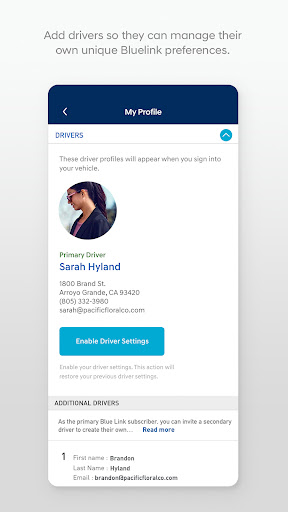
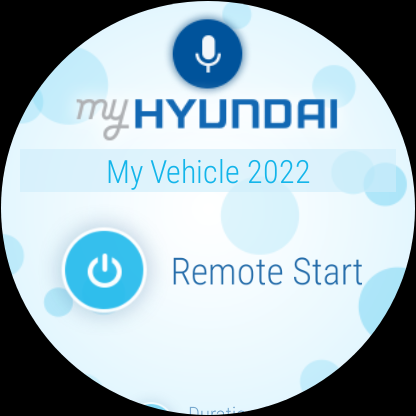
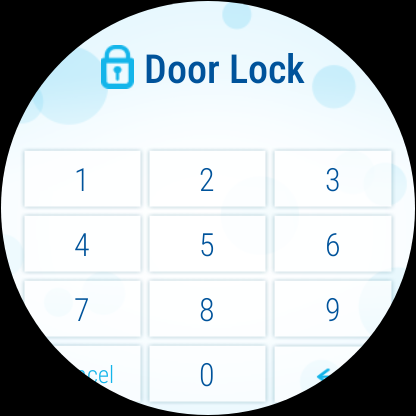
The MyHyundai app with Bluelink technology allows Hyundai owners to access vehicle information and features conveniently from their phone. With a MyHyundai.com ID, password, and PIN, users can easily access Bluelink's Remote features, such as remotely starting or unlocking their vehicle. The app also has features for scheduling service appointments and accessing Bluelink Customer Care.
Features of MyHyundai with Bluelink
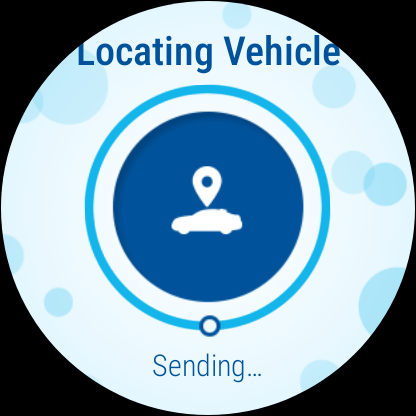
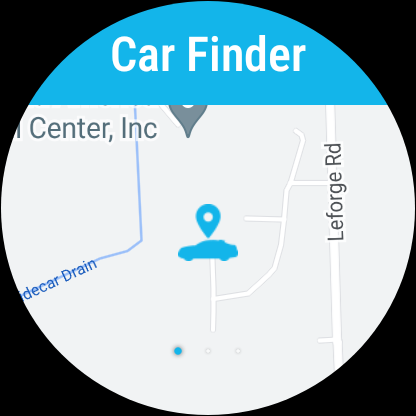
The MyHyundai app offers a range of features for Bluelink enabled vehicles. Users can remotely start or unlock their vehicle, activate the horn and lights, and even find their car. EV and PHEV vehicle owners can manage their charging schedules and settings. The app also allows users to search and send Points of Interest to their vehicle and access saved POI History. Other features include making Car Care service appointments, accessing maintenance information, and checking vehicle status.
Review
The MyHyundai app with Bluelink technology is a must-have for any Hyundai vehicle owner. With its remote access features, scheduling tools, and access to Bluelink Customer Care, this app makes owning and maintaining a Hyundai easier than ever. Its user-friendly interface and wear OS support add to its convenience. However, accessing some features requires an active Bluelink subscription, so it's important to check what features your vehicle model supports before upgrading. Overall, the MyHyundai app with Bluelink is a highly practical and valuable tool for every Hyundai owner.


