

Samsung Notes






Samsung Notes App Info
-
App Name
Samsung Notes
-
Package Name
com.samsung.android.app.notes
-
Developer
Samsung Electronics Co., Ltd. -
Category
Productivity -
Updated
2024/07/13
-
Version
—
Introducing Samsung Notes
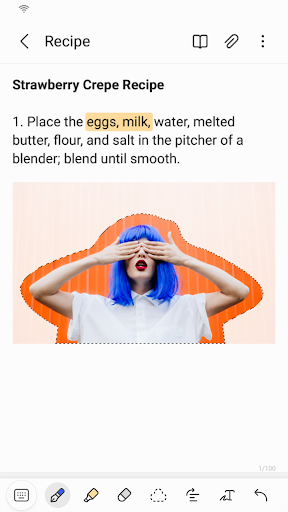
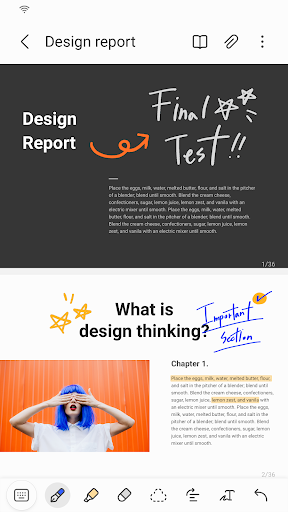
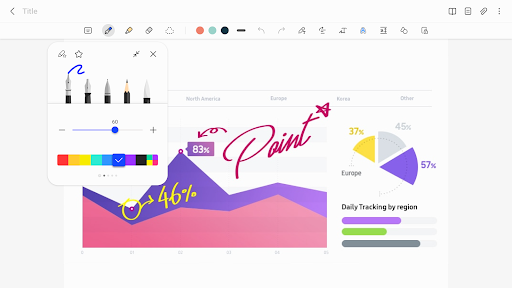
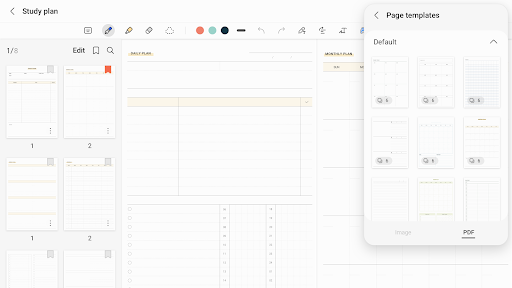
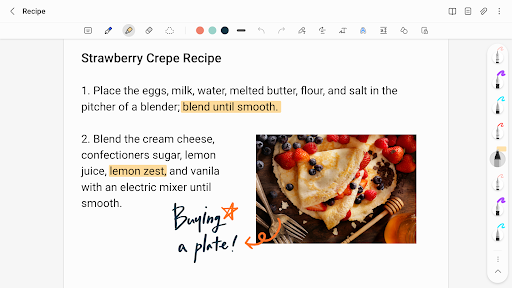
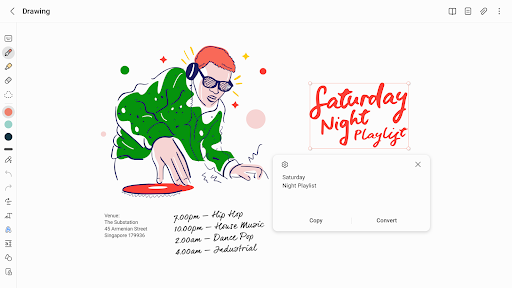
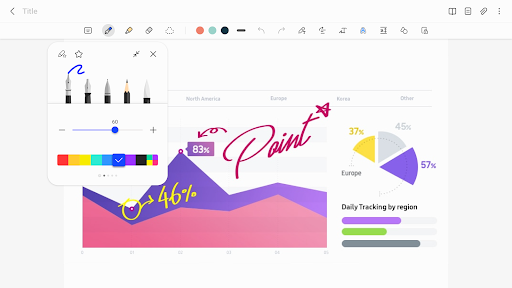
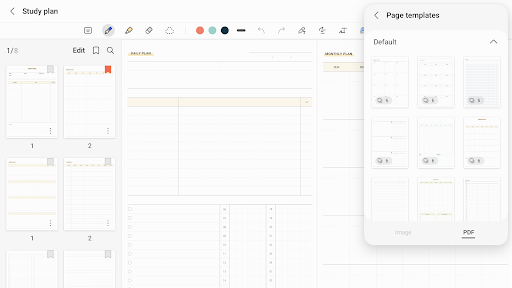
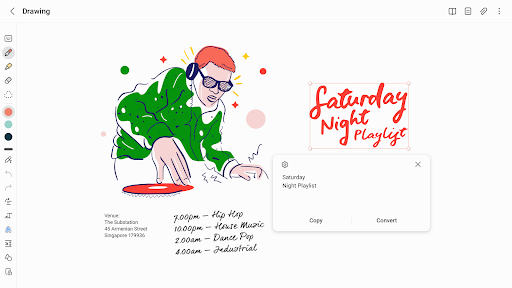
Samsung Notes is an intuitive and powerful note-taking app that allows you to create and edit documents on your mobile, tablet, or PC. With the S Pen, you can add annotations to PDFs, create documents with images or voices, and connect documents with various apps such as PDF, Microsoft Word, and Microsoft PowerPoint.
Powerful Features
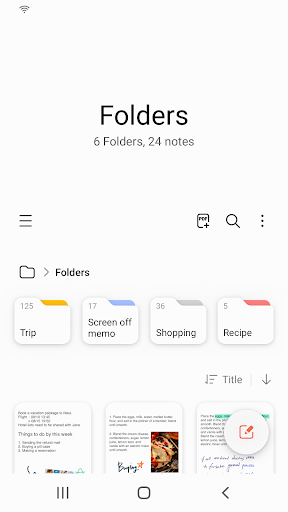
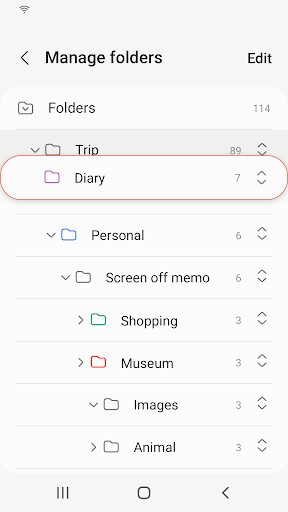
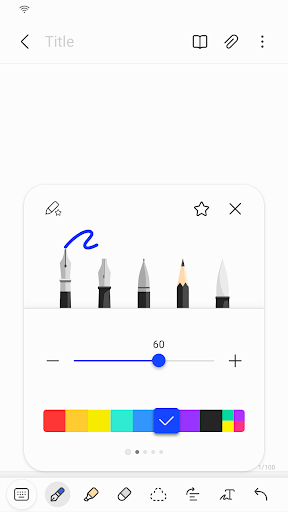
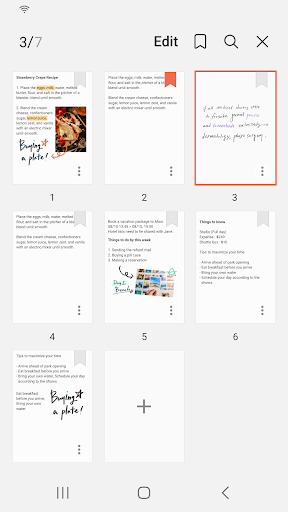
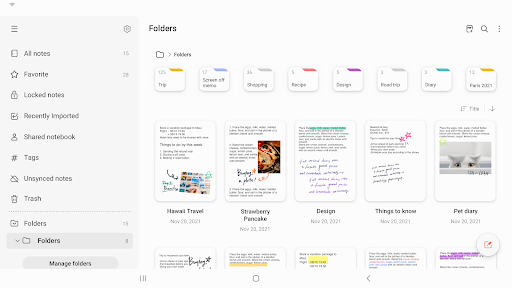
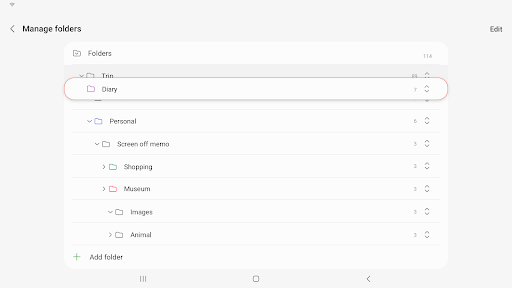
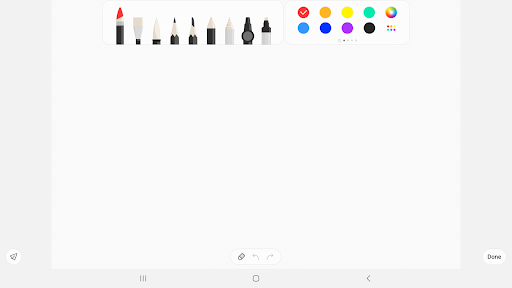
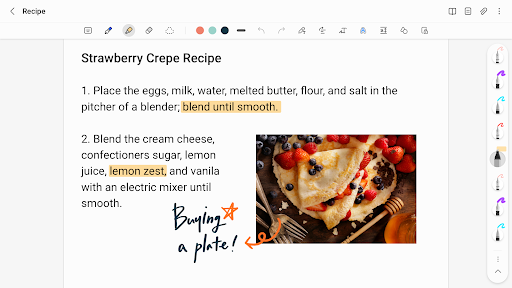
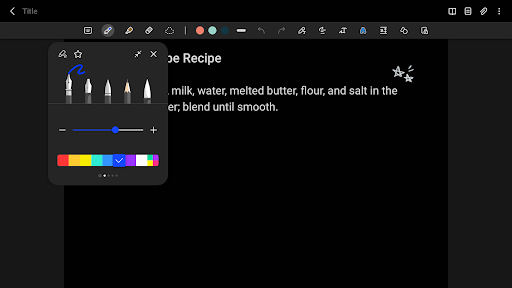
Create a new note by tapping + in the bottom right corner of the main screen. Protect your notes by setting a lock and password. Create handwritten notes with the Handwriting icon. Add photos and voice recordings with the photo and Voice Recording icons. Use various writing tools such as pens, fountain pens, pencils, and highlighters. Import notes and memos created in Notes and Memo.
Download Now
Download Samsung Notes now and experience the power of note-taking. With its intuitive design and powerful features, you can create and edit documents with ease. Download now and start taking notes !


