

Mobile Scanner App - Scan PDF



Mobile Scanner App - Scan PDF App Info
-
App Name
Mobile Scanner App - Scan PDF
-
Package Name
com.glority.everlens
-
Developer
Glority LLC -
Category
Productivity -
Updated
2025/12/24
-
Version
2.13.2
Introducing Mobile Scanner
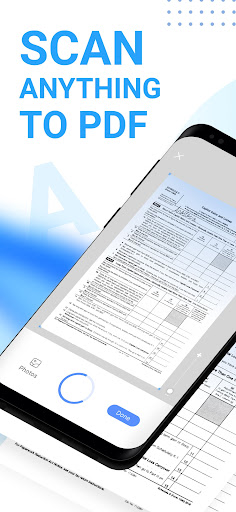
Mobile Scanner is a free-to-download and all-in-one scanner app that helps you scan any documents, paper notes, photos, receipts, and books into clear PDFs and pictures. With the help of OCR technology, you can convert images into text and export searchable PDF files. Get the Mobile Scanner app now and turn your phone into a powerful digital office.
Features of Mobile Scanner
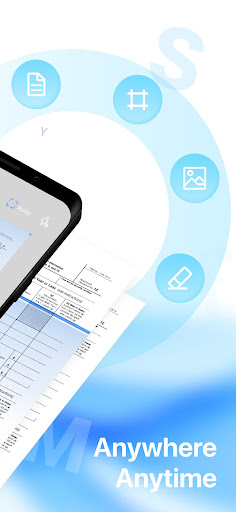
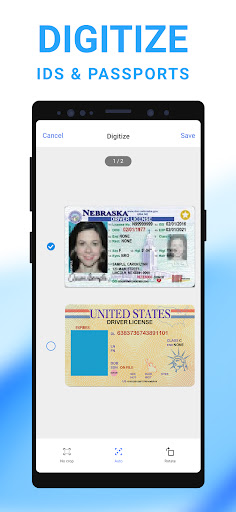
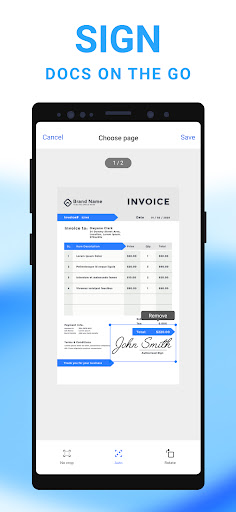
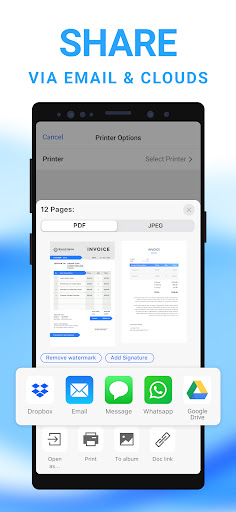
Ultra-fast Scanning: Scan anything - receipts, pictures, notes, business cards, contracts, fax papers, and books with precision and turn them into PDF, Word, or JPEG files. Batch scanning - scan as many as you like and save the files as one PDF. Smart Image Optimizing: Automatic border detection and cropping, preview, crop, rotate, adjust color and resize the PDF or photos you scan, remove and edit imperfections, erase stains, marks, creases, and even handwriting, sign your scans manually or add signatures for the document, generate perfect quality docs with advanced picture processing filters. Text Extracting & Editing: Built-in OCR (optical character recognition) technology to recognize any text from your scans, edit the text as you want, export texts as TXT. Organize & Share Files: Organize your files with custom folders, drag & drop to reorder, share documents by email attachments, upload scanned files to cloud services like Dropbox, Google Drive, and OneDrive, print PDF files, such as contracts and invoices, right from the scanner app. Secure Important Documents: Ensure privacy by setting passwords to lock confidential documents and folders, keep all your personal information like contracts, bank cards, and tax documents secure.
Overall Review of Mobile Scanner
Mobile Scanner is an all-in-one scanner app that helps you scan documents, photos, receipts, and books into clear PDFs and pictures. With its ultra-fast scanning, smart image optimizing, text extracting & editing, organizing & sharing files, and secure important documents features, you can easily turn your phone into a powerful digital office. Download the free Mobile Scanner app now and make your work and life more efficient!


