

Cast to TV: Screen Mirroring

Cast to TV: Screen Mirroring App Info
-
App Name
Cast to TV: Screen Mirroring
-
Package Name
com.niceteam.casttv.screenmirroring
-
Developer
Healthy Apps. -
Category
Productivity -
Updated
2024/09/16
-
Version
1.0.14
Cast to TV: Screen Mirroring
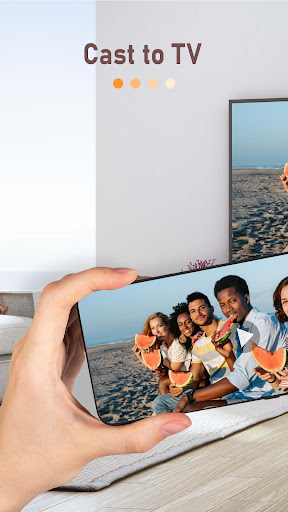
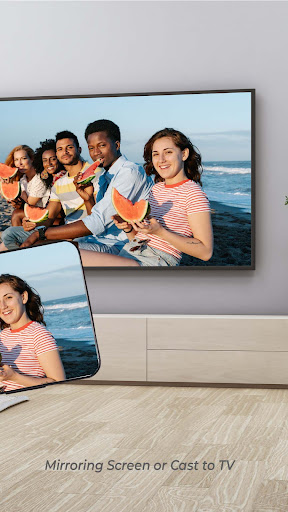
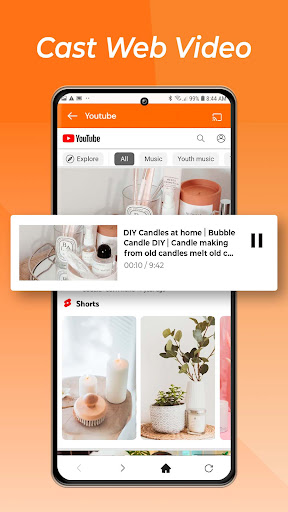
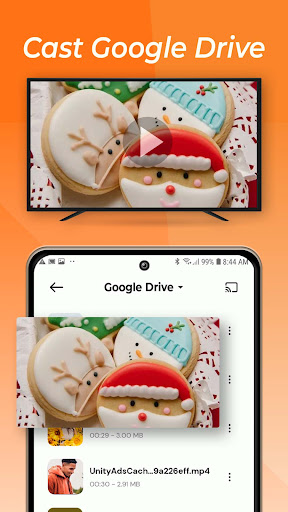
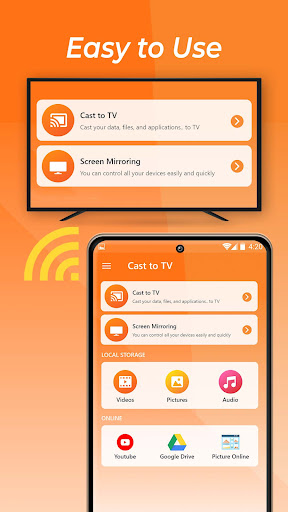
Cast to TV & Web Video Cast is an easy-to-use application that allows users to stream their favorite content directly from their phone to any smart TV, including popular brands like Chromecast, Roku, Amazon Fire TV, and LG, Samsung, and Sony Smart TVs. With this app, users can enjoy photos, videos, games, and apps on a bigger screen with the same Wi-Fi connection. The app supports a variety of popular streaming devices, ensuring that users can stream all their favorite entertainment on the big screen.
Features of Cast to TV: Screen Mirroring
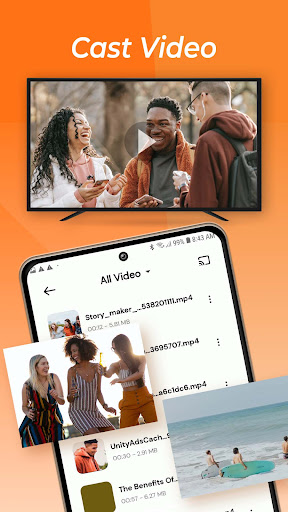
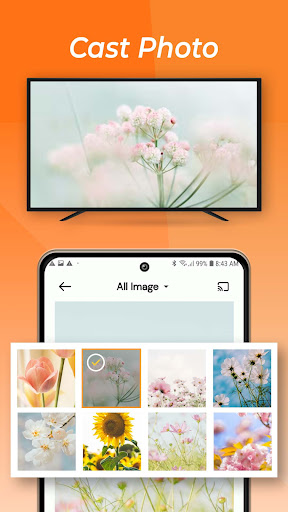
Cast to TV & Web Video Cast supports a wide range of media formats, including live streams in M3U8 format and MP4 videos. It also supports IPTV, photos, and audio files, including music. Using the app is easy; users only need to ensure that their phone and Smart TV are connected to the same Wi-Fi network, enable Wireless Display and Miracast on their TV, choose and connect to their Smart TV on the phone screen, and start streaming their chosen content.
Review
Cast to TV & Web Video Cast is an easy-to-use app that is perfect for sharing and streaming content with friends and family. It allows users to enjoy their favorite movies, TV shows, and more on a bigger screen with ease. The app supports a wide range of streaming devices and media formats, ensuring that users can stream all of their favorite content. Using the app is straightforward, and the high-quality streaming ensures that users can enjoy their chosen content in real-time without any buffering or lag. Overall, Cast to TV & Web Video Cast is an excellent app for anyone who loves streaming entertainment on a big screen.


