

TV Control for Ruku TV
TV Control for Ruku TV App Info
-
App Name
TV Control for Ruku TV
-
Package Name
co.vulcanlabs.rokuremote
-
Developer
Vulcan Labs -
Category
Tools -
Updated
2026/01/27
-
Version
8.8
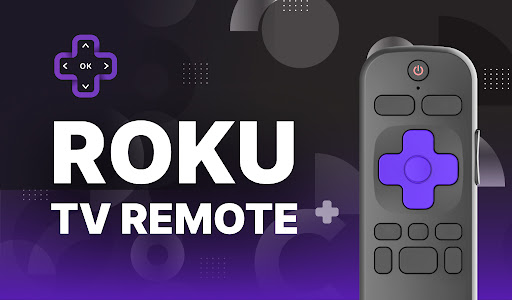
Ruku TV Remote Controller
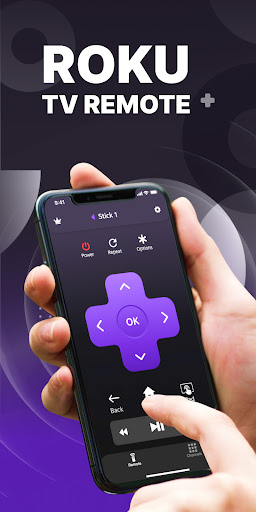
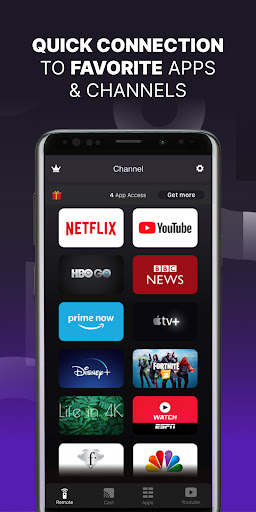
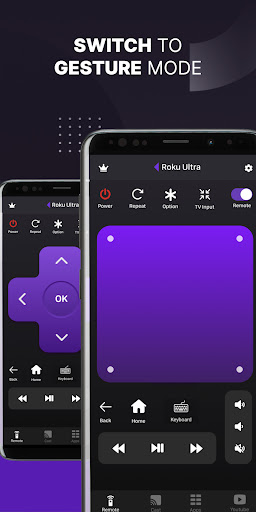
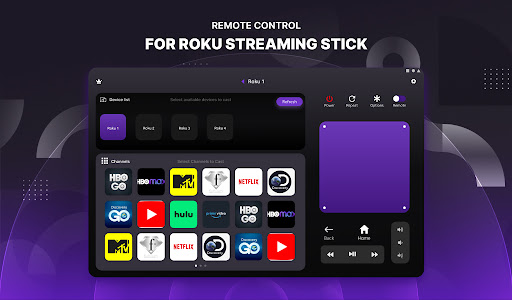
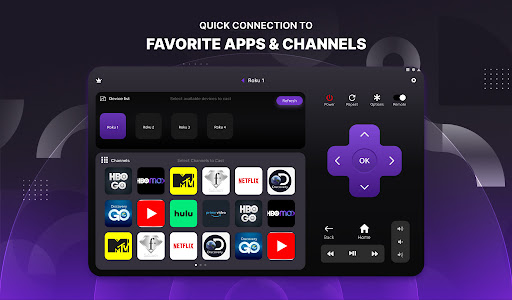
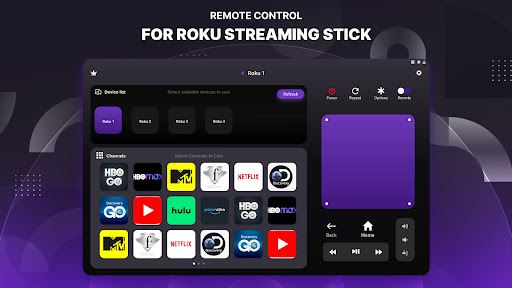
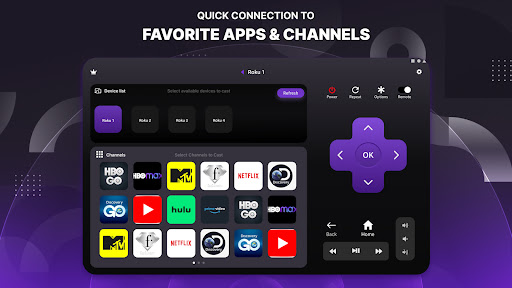
Take control of your TV with the Ruku TV Remote Controller app. This app is compatible with all Roku TVs and provides full remote controller access. With the Quick Cast feature, you can easily share photos and videos from your gallery directly onto your device with the tap of a button. You can also access your favorite streaming media channels like HBONow, Chill TLC, Shattered channel, YouTube, Rookie and more with the dedicated “Channels” tab. Plus, you can use swipe-based gestures for easier navigation.
Features
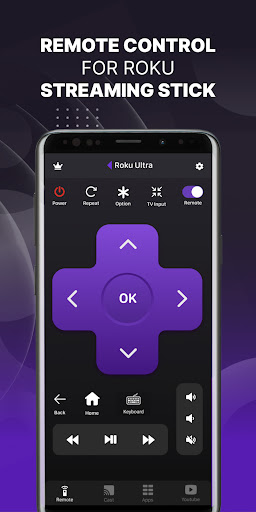
This app offers an intuitive remote control, quick access to your favorite apps and channels, and the SmartCast feature which allows you to cast media directly from your library. Setup is simple and quick, and all you need to do is connect both devices to the same WiFi network.
Overall Review
The Ruku TV Remote Controller app is the perfect way to watch, cast to TV, and play games on TV conveniently. With its easy setup and full access to remote control, this app is a must-have for any Roku TV user.


