

My Verizon
My Verizon App Info
-
App Name
My Verizon
-
Package Name
com.vzw.hss.myverizon
-
Developer
Verizon Consumer Group -
Category
Tools -
Updated
2026/03/16
-
Version
21.6.3
My Verizon: All-in-One Hub of Your Verizon Experience
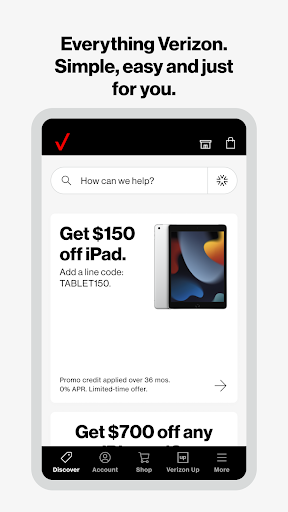
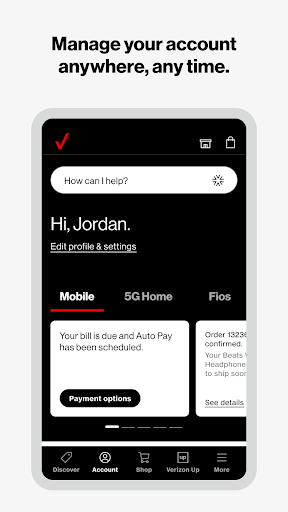
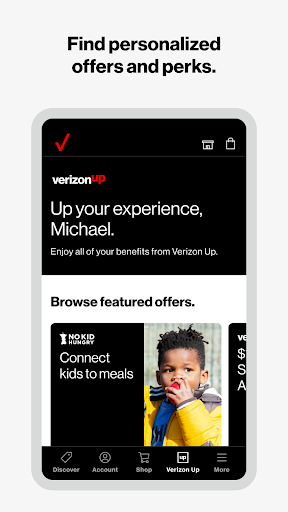
My Verizon is the ultimate app for managing your Verizon account. It allows you to keep track of account changes and the latest offers, easily switch to Verizon, and much more. With My Verizon, you can quickly and easily switch to Verizon in minutes, check which offers you're eligible for, and view your account in one seamless feed.
My Verizon: Comprehensive Features
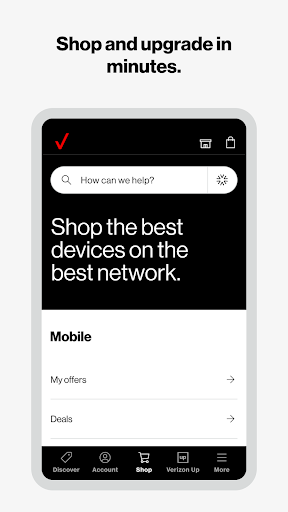
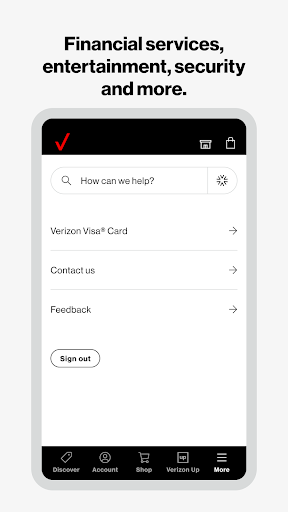
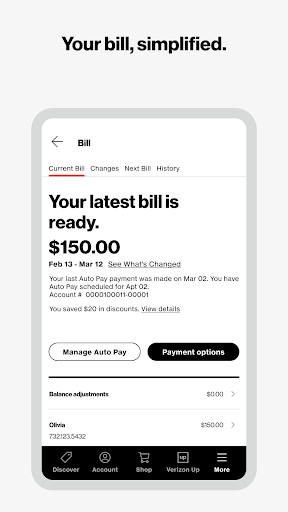
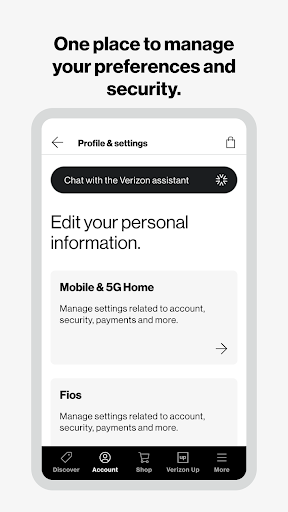
My Verizon provides comprehensive features to make managing your Verizon account easier. You can get on-demand support tools such as Live Chat and step-by-step troubleshooting instructions. You can also monitor data usage via a control center, change or manage your account safely anywhere, switch to a different plan easily, make secure payments quickly, score rewards, shop phones, wearables, smart devices and accessories, and get delivery as quickly as the same day.
My Verizon: The Ultimate App for Managing Your Verizon Account
My Verizon is the ultimate app for managing your Verizon account. It provides comprehensive features to make managing your account easier and more convenient. With My Verizon, you can switch to Verizon in minutes, check which offers you're eligible for, monitor data usage, change or manage your account safely, switch to a different plan, make secure payments, score rewards, and shop phones, wearables, smart devices and accessories. Download My Verizon now and control your entire Verizon experience in just one app.


