

Lime - #RideGreen

Lime - #RideGreen App Info
-
App Name
Lime - #RideGreen
-
Package Name
com.limebike
-
Developer
Neutron Holdings, Inc. -
Category
Travel & Local -
Updated
2026/04/13
-
Version
3.261.0
Introducing Lime
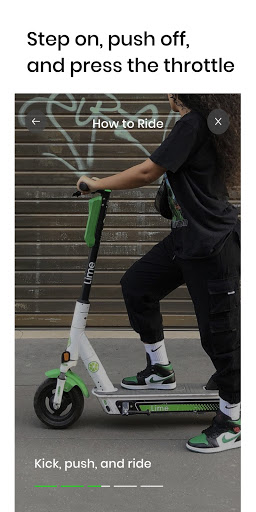
Lime is the perfect way to get around town quickly and conveniently. With our emissions-free e-bikes and e-scooters, you can get to your destination with ease. Download the app, find a nearby vehicle, and unlock it with just a few taps. Ride responsibly and help us build a future with shared, affordable, and carbon-free transportation.
How to Use Lime
Using Lime is easy and straightforward. All you need to do is:
1. Download the app, create an account, and accept our terms and conditions.
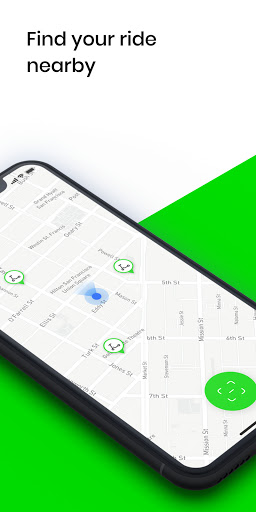
2. Find a nearby Lime vehicle on the map.
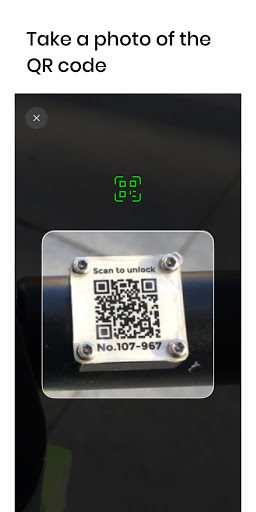
3. Unlock your vehicle by scanning the QR code, entering the plate number, or tapping a button on the app.
Ride Responsibly
At Lime, we believe that a safe community starts with riding responsibly. That's why we ask all our riders to follow the rules of the road. Always ride in bike lanes, wear a helmet, and park clear of walkways, driveways, and access ramps. Visit https://safety.li.me/ to learn more. Download the app and join us in building a future with shared, affordable, and carbon-free transportation.


