

Mobile Passport Control
Mobile Passport Control App Info
-
App Name
Mobile Passport Control
-
Package Name
gov.dhs.cbp.pspd.mpc
-
Developer
U.S. Customs and Border Protection -
Category
Travel & Local -
Updated
2026/04/01
-
Version
4.2.2
Introducing Mobile Passport Control
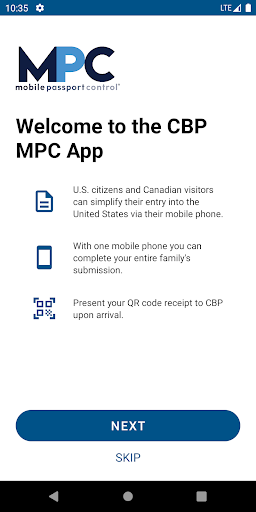
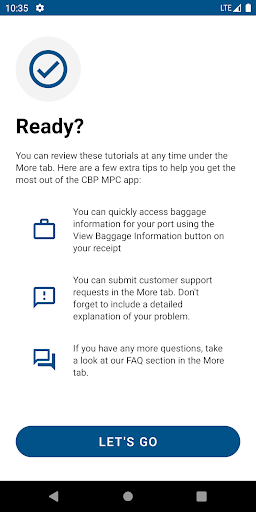
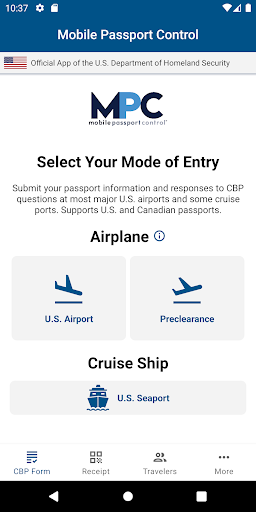
Mobile Passport Control is the official app of the U.S. Customs and Border Protection (CBP) for travelers entering the United States. It simplifies the process of entering the country by allowing travelers to fill out their profile and answer CBP questions before arriving at the airport. It is available for U.S. Citizens and Canadian visitors at any of the supported airport and seaport locations.
How Mobile Passport Control Works
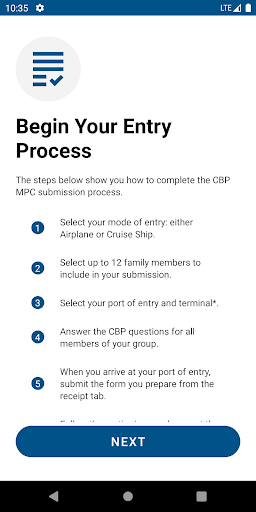
Mobile Passport Control can be used in 5 simple steps:
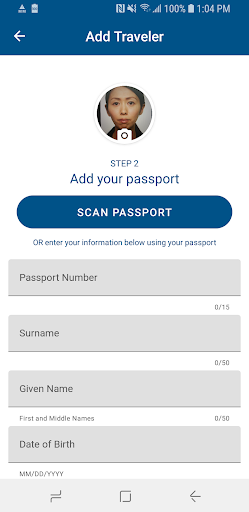
1. Download the app and create a profile using biographic information from the passport and take a “selfie”.
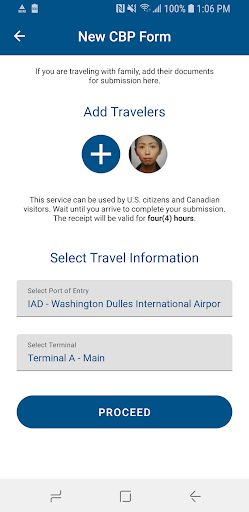
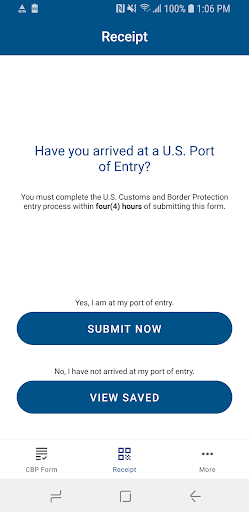
2. Answer CBP inspection related questions and submit the profile and responses to CBP.
3. Receive an encrypted Quick Response (QR) code from CBP.
4. Present the QR code to a CBP Officer along with the passport.
5. The CBP Officer will complete the inspection.
The Benefits of Mobile Passport Control
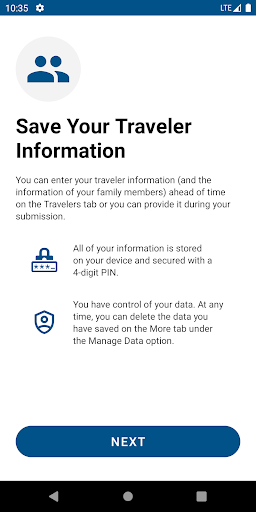
Mobile Passport Control provides a more efficient and secure in-person inspection process for both the CBP Officer and the traveler. It also shortens overall entry wait times. It is free to use and allows up to 12 eligible members in a family group to create a profile and store their information for future travel. With Mobile Passport Control, travelers can enjoy a smoother and faster entry into the United States.


