

StandBy iOS: Always On Display











StandBy iOS: Always On Display App Info
-
App Name
StandBy iOS: Always On Display
-
Package Name
maa.standby_ios.widgets.lock_screen
-
Developer
MAA FOR APPS -
Category
Beauty -
Updated
2026/04/19
-
Version
3.1.6a
StandBy iOS: Always On Display
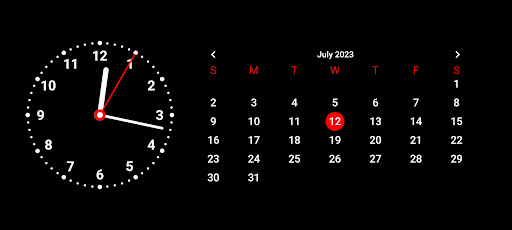
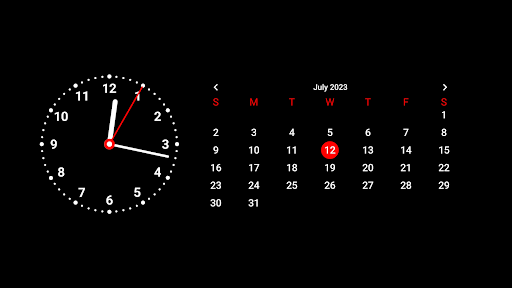
Transform your device into a stylish and functional clock with StandBy iOS: Always On Display. This innovative app allows you to enjoy the convenience of having an analog or digital clock displayed on your screen when your device is in landscape mode. With its elegant design and customizable options, StandBy enhances your user experience and adds a touch of sophistication to your device.
Features of StandBy iOS: Always On Display
- **Landscape mode clock**: StandBy automatically activates when your device is in landscape mode, ensuring that you always have a clock conveniently visible on your screen.
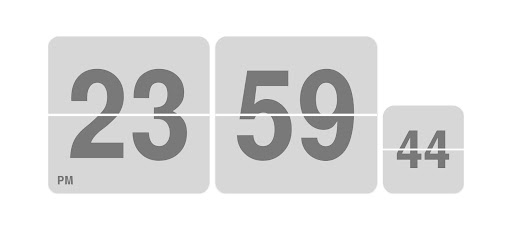
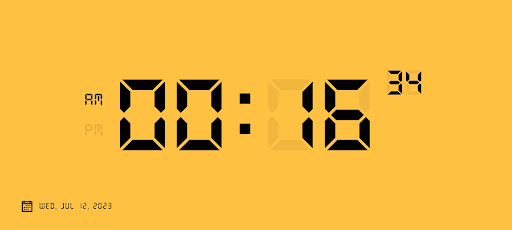
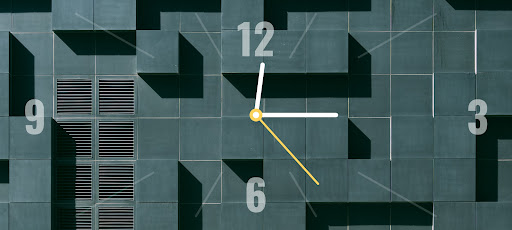
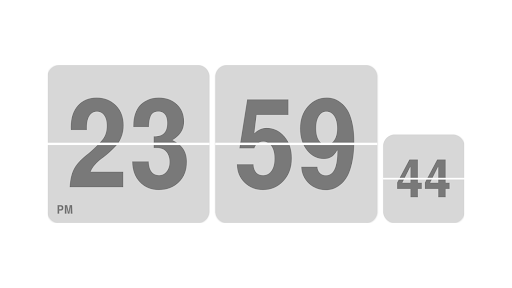
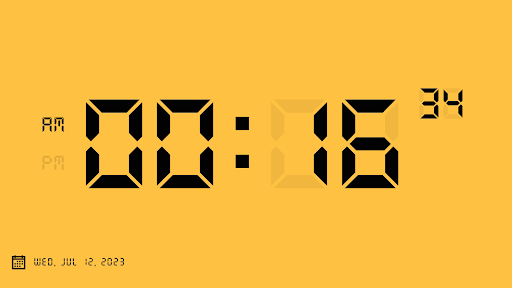
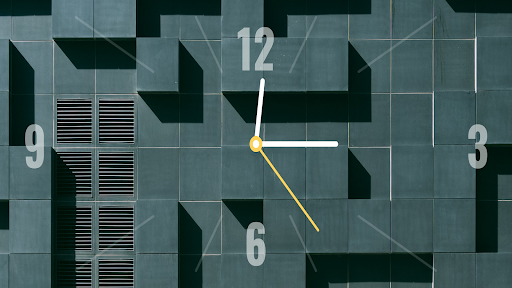
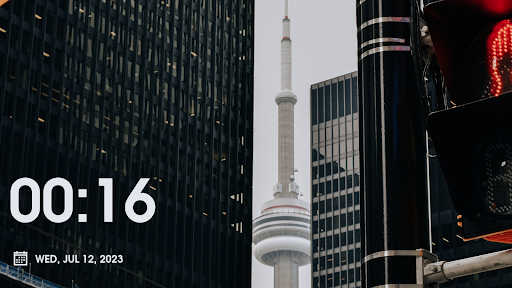
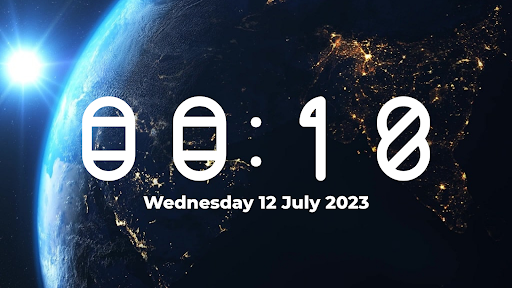
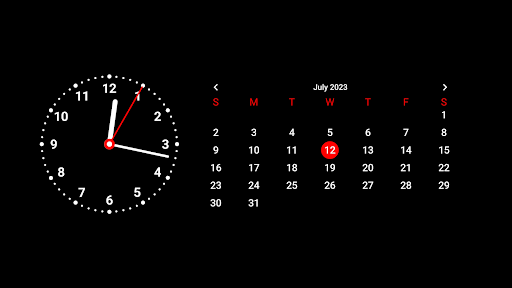
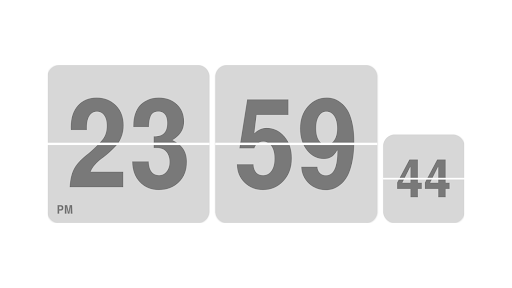
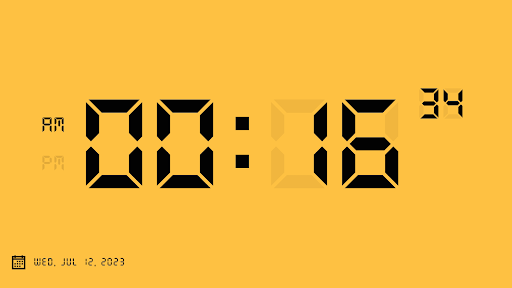
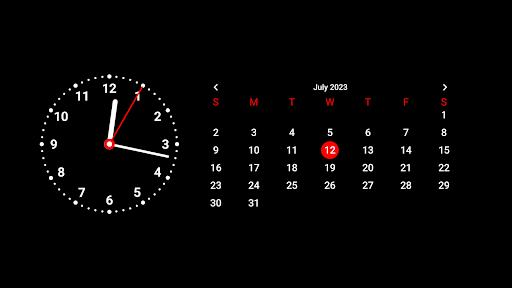
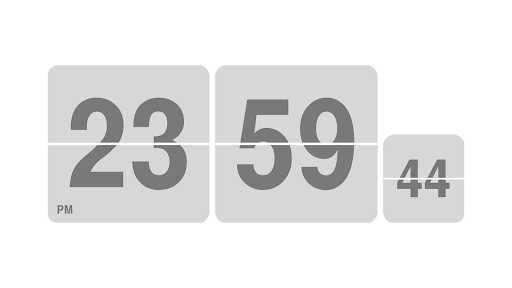
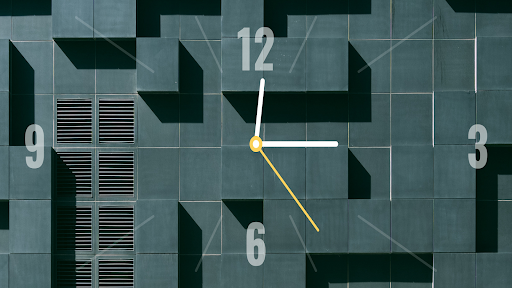
- **Analog or digital display**: Choose between an analog or digital clock display according to your preference. StandBy has you covered whether you enjoy the classic charm of traditional clock hands or the sleek precision of digital numbers.
- **Customization options**: Personalize your standby clock to suit your style. Select from a range of clock faces, color themes, and fonts to create a look that complements your device and reflects your personality.
- **Adjustable clock size**: Modify the size of the clock to ensure optimal visibility without obstructing other elements on your screen. StandBy provides flexibility whether you prefer a larger clock for easy viewing or a more discreet size.
- **User-friendly interface**: The intuitive and user-friendly interface of StandBy makes it easy for users of all ages to set up and customize their preferred clock display.
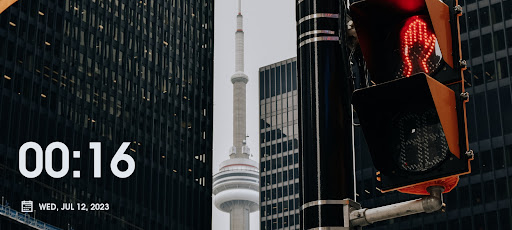
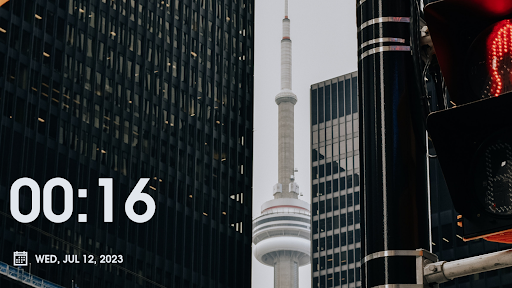
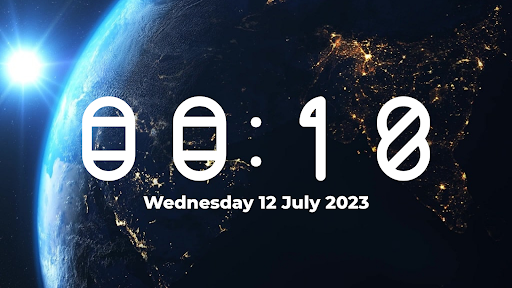
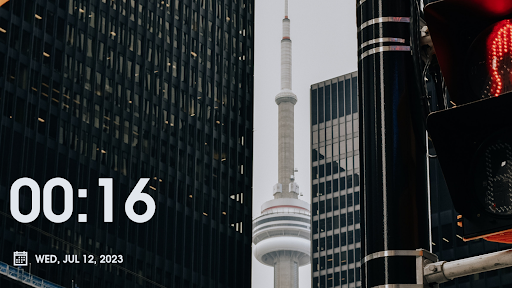
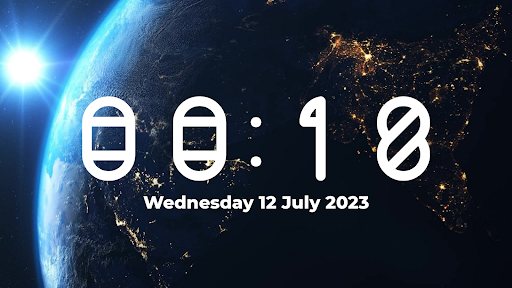
- **Standby categories**: Choose from a variety of categories such as digital clock, photo clock, or analog clock and calendar, each offering a unique visual experience.
Review
StandBy iOS: Always On Display is a must-have app for anyone who wants to enhance their device with a stunning clock display. With its elegant design, customizable options, and easy-to-use interface, StandBy brings a touch of sophistication to your device while adding convenience to your daily life. Whether you prefer an analog or digital clock, there are plenty of customization options to ensure your standby clock suits your style. Overall, StandBy offers a seamless and immersive experience for users wanting to elevate their smartphone experience. Download StandBy iOS: Always On Display and unlock a whole new level of possibilities for your device.


