

Cast to TV - Screen Mirroring




Cast to TV - Screen Mirroring App Info
-
App Name
Cast to TV - Screen Mirroring
-
Package Name
com.screencast.photocasttotv.castscreenmirroring
-
Developer
WELLY GLOBAL PUBLISHING -
Category
Video Players & Editors -
Updated
2026/04/16
-
Version
2.5.8
Cast to TV - Screen Mirroring
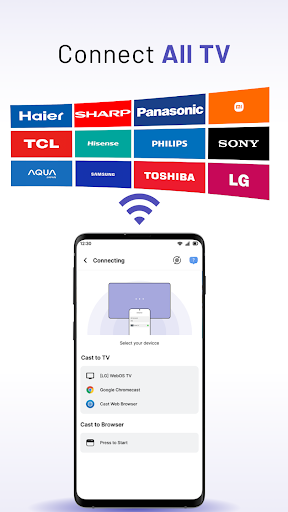
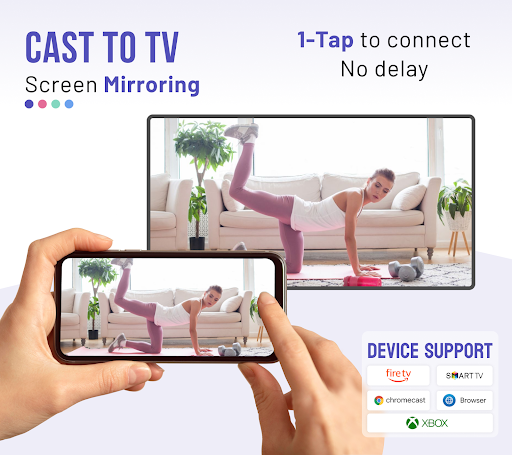
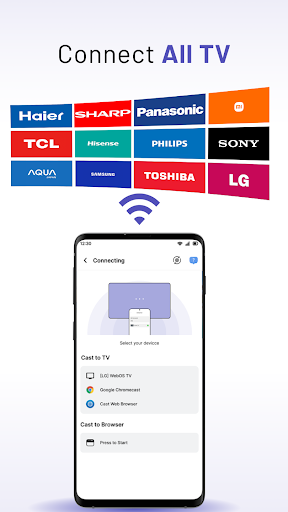
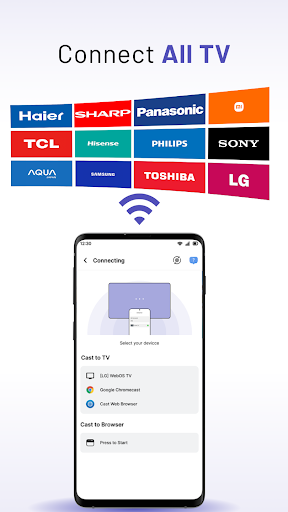
Cast to TV - Screen Mirroring is a powerful and versatile streaming app that allows users to cast media and browse from their smartphones or tablets to a range of devices such as Smart TVs, Chromecast, Xbox, Amazon Fire Stick or Fire TV, Roku, Apple TV, Airplay, and DLNA receivers. With this app, users can seamlessly stream videos and movies on their TVs.
Features of Cast to TV - Screen Mirroring
Cast to TV - Screen Mirroring offers a range of features that include:
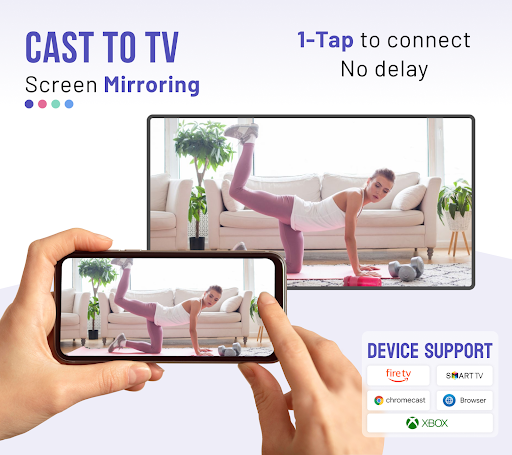
- Stable casting of smartphone screens to larger TV screens
- Simple and fast one-click connection
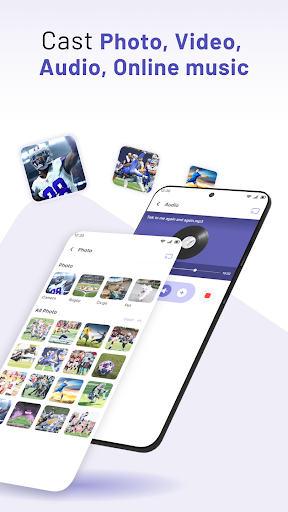
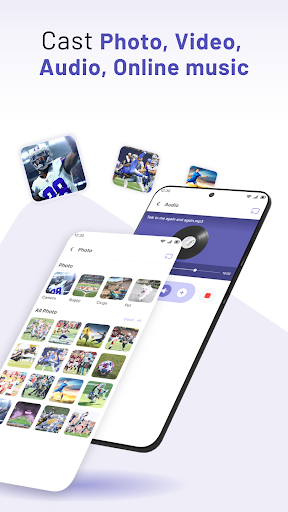
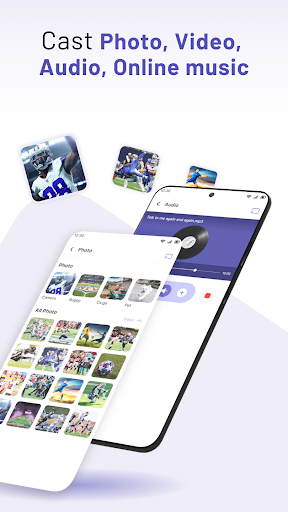
- Cast photos, videos, movies, music, e-books, PDFs, etc. to TV
- Real-time speed screen sharing without lag
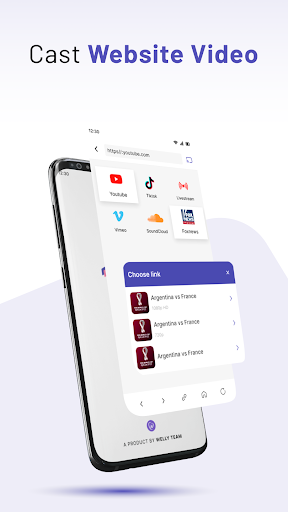
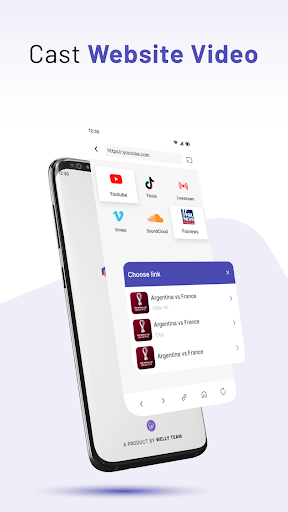
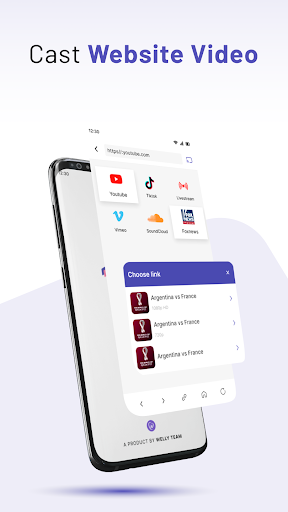
- Cast online videos from various websites
- Cast web browser to TV
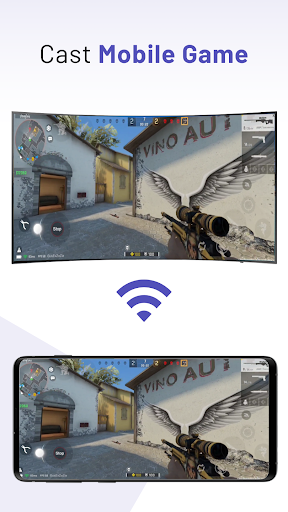
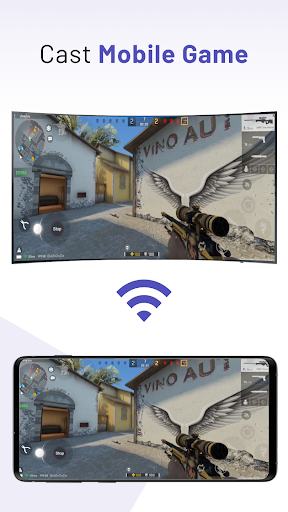
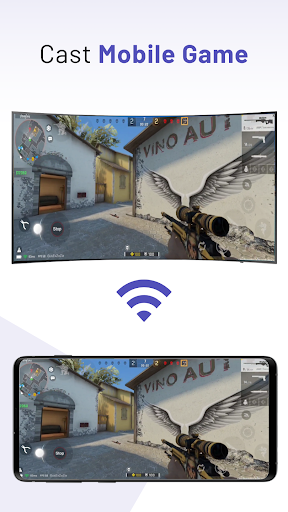
- Cast mobile games to bigger-screen TVs
- Screen mirroring to share fitness videos and other content
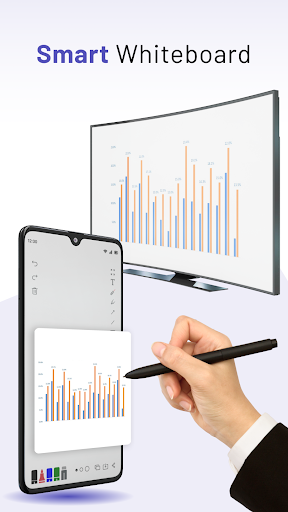
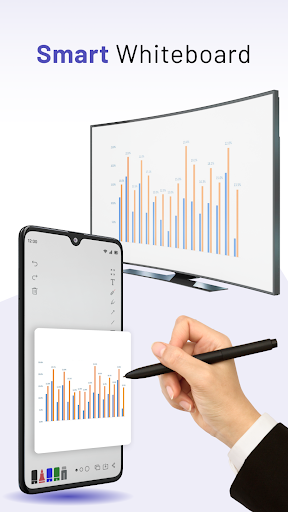
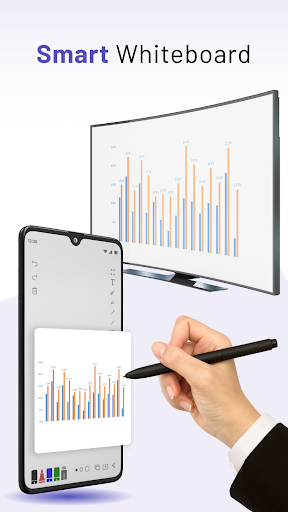
- Smart Whiteboard that allows users to draw real-time on TV screen
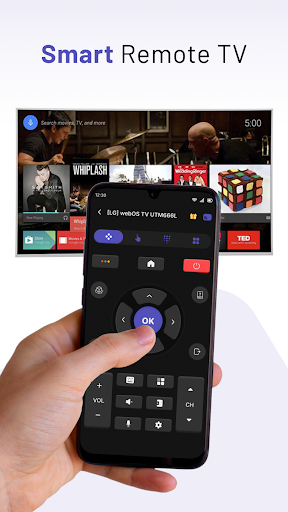
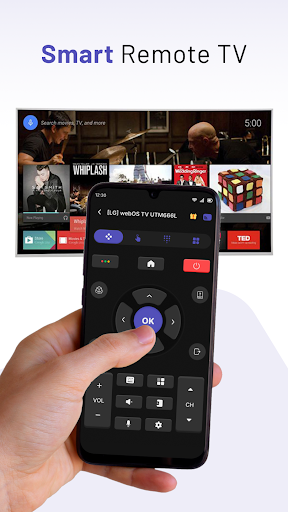
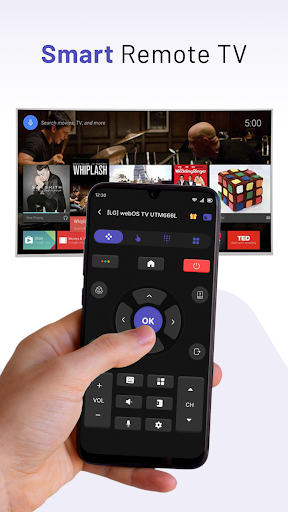
- Ability to control Smart TV with phone
- Access to popular video platforms such as Youtube, Tiktok, Vimeo, and IPTV
- Ability to view PowerPoint presentations on TV through Miracast & TV mirror technology
Review
Cast to TV - Screen Mirroring is a fast and stable solution for streaming favorite content on a larger screen. With its ability to stream from multiple sources, support for Full HD and 4K video, and support for various media formats, this app makes it easy to share memories, stream movies and TV shows, or play games on a bigger screen. Moreover, this app offers advanced features, such as a Smart Whiteboard and the ability to control Smart TV with a phone. Overall, Cast to TV - Screen Mirroring is highly recommended for anyone looking to cast media and browser from their smartphone or tablet to a TV.


