

Okta Verify

Okta Verify App Info
-
App Name
Okta Verify
-
Package Name
com.okta.android.auth
-
Developer
Okta Inc. -
Category
Productivity -
Updated
2026/04/03
-
Version
8.24.0
Introduction to Okta Verify
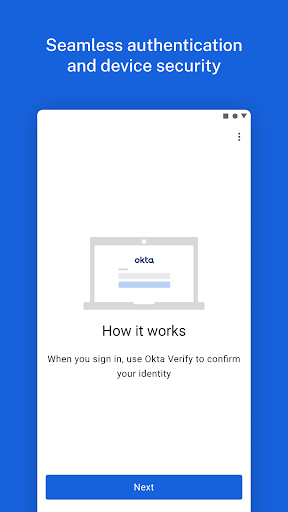
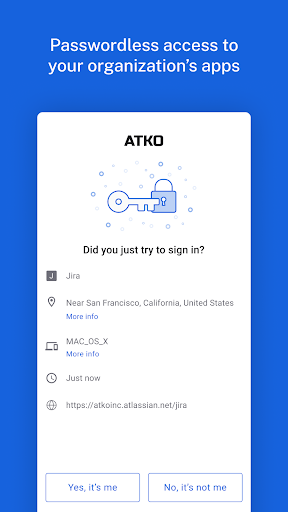
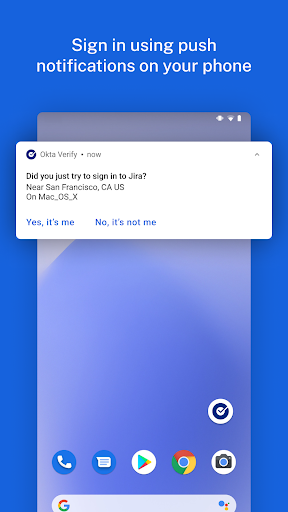
Okta Verify is a secure and lightweight app that allows you to access your apps with 2-step verification. It provides a secure way to verify your identity using push notifications, 6-digit codes, or biometrics (if enabled by your organization). It also allows you to register your device with one or more Okta accounts that require Okta Verify for verification.
Functions of Okta Verify
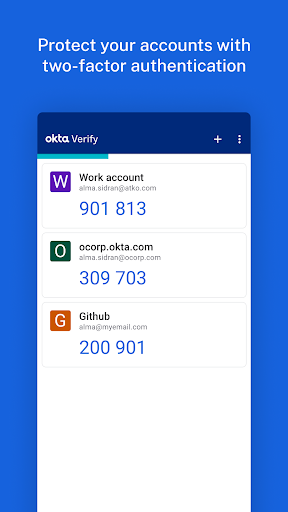
Okta Verify provides a range of functions to ensure secure access to your apps. You can enroll your device in Okta to enable 2-factor verification using 6-digit one-time passcodes. You can also enroll your device in Okta for 2-factor verification using push notifications (if enabled by your organization). Additionally, you can enroll on-device biometrics to use to sign in to an app (if enabled by your organization). You can also add 2-factor verification for non-Okta apps that support or require the use of one-time passcodes.
Overall Review of Okta Verify
Okta Verify is a great app for securely accessing your apps with 2-step verification. It provides a range of functions to ensure secure access to your apps, including enrolling your device in Okta to enable 2-factor verification using 6-digit one-time passcodes, enrolling your device in Okta for 2-factor verification using push notifications, enrolling on-device biometrics to use to sign in to an app, and adding 2-factor verification for non-Okta apps. Some of these functions are only available if enabled by your IT organization.


