

Microsoft Word: Edit Documents

Microsoft Word: Edit Documents App Info
-
App Name
Microsoft Word: Edit Documents
-
Package Name
com.microsoft.office.word
-
Developer
Microsoft Corporation -
Category
Productivity -
Updated
2025/09/04
-
Version
16.0.19127.20134
Reviewer’s View
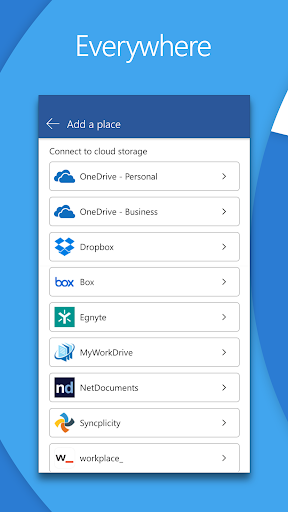
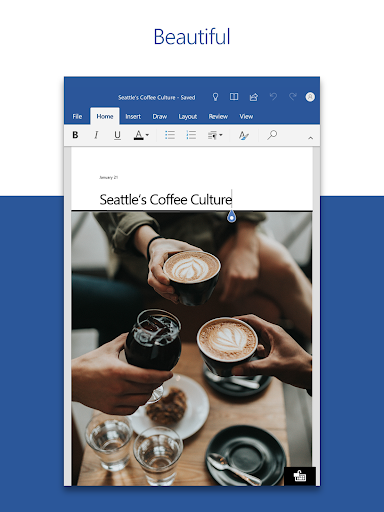
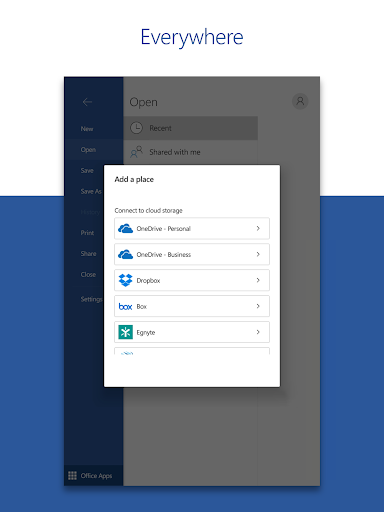
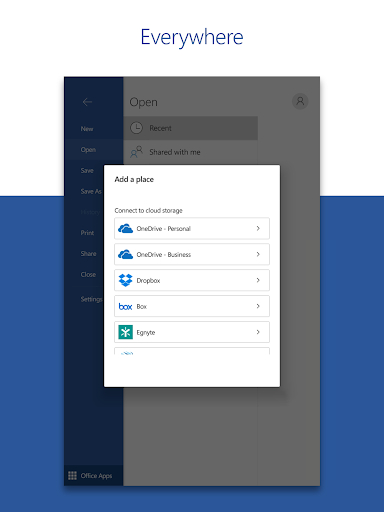
As a seasoned user of Microsoft Word on desktops, I was excited to try out the Microsoft Word: Edit Documents app on my mobile device. The anticipation of having the same powerful features at my fingertips on the go was enticing. The app, available for both Android and iOS devices, delivered impressively by allowing me to seamlessly create and edit documents just like I would on my PC. The installation process was smooth; all it took was a quick Microsoft Word: Edit Documents download from the app store. Once set up, logging in with my Microsoft account was a breeze, granting instant access to my files stored in OneDrive.
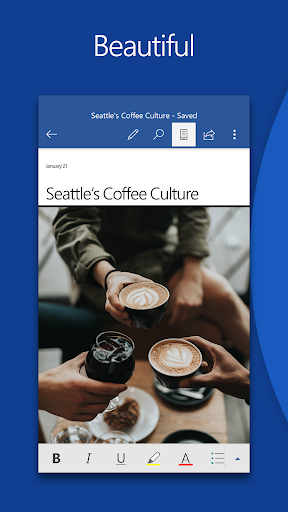
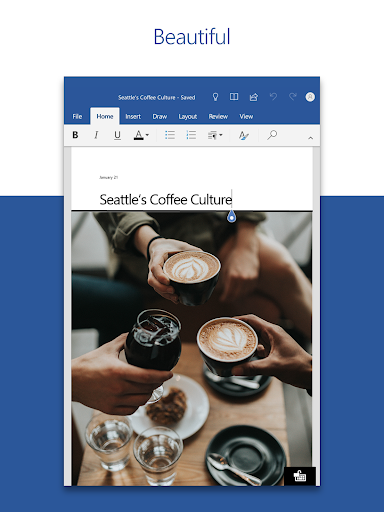
The mobile interface of the Microsoft Word: Edit Documents app is intuitive, and navigating through its vast array of features felt comfortable and familiar. The functionality to edit documents surpassed my expectations, providing word processing capabilities that could handle complex formats and layouts effortlessly. The app’s ability to work with PDFs, converting documents to and from this format, came in handy more often than I anticipated. Add to that, the capability to collaborate with colleagues in real-time made it a robust tool for on-the-go productivity.
The High Notes: Key Strengths
1. **Convenience and Accessibility**: The app allows users to access, edit, and share documents anywhere and anytime, offering the same powerful features of desktop Word in a compact, mobile format. This makes installing Microsoft Word: Edit Documents a must for professionals on the go.
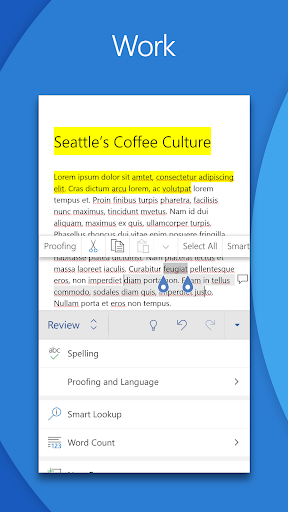
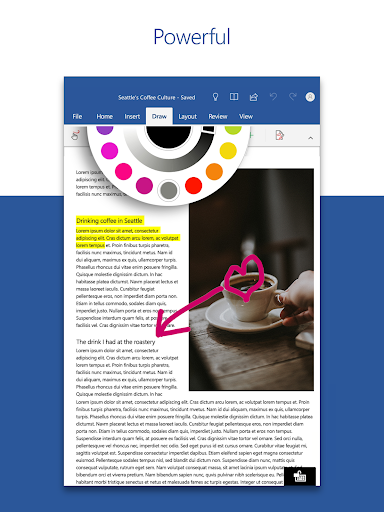
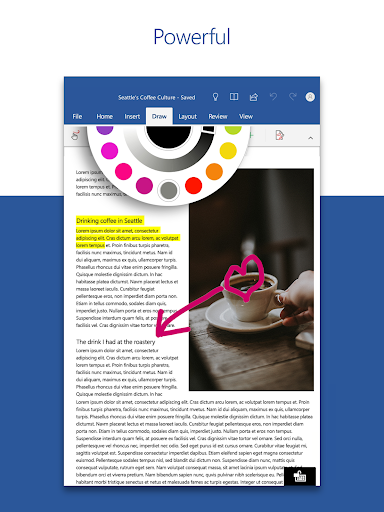
2. **Comprehensive Editing Tools**: With rich formatting options and layout preservation, composing documents such as resumes, cover letters, and reports is straightforward. The free Microsoft Word: Edit Documents app doesn’t compromise on functionality.
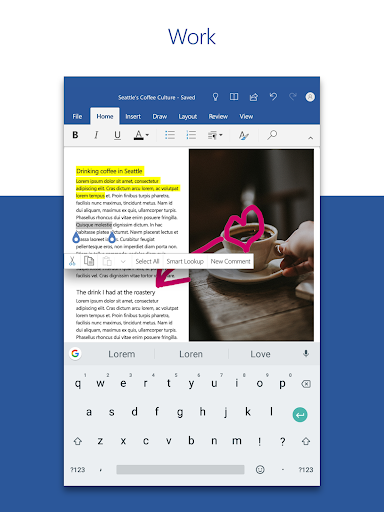
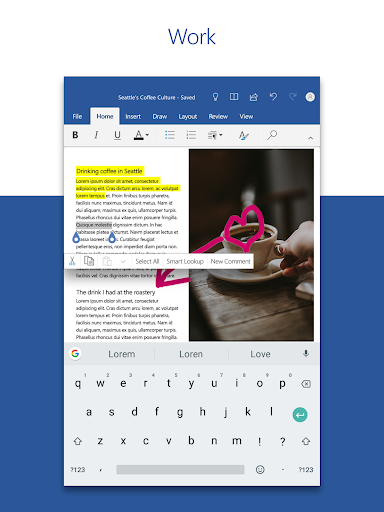
3. **Seamless Collaboration**: The app supports real-time collaboration with other users. The ability to comment directly within the document enhances communication and workflow, ensuring everyone is on the same page.
4. **PDF Handling**: The built-in PDF converter allows users to easily convert Word documents to PDFs and vice versa, making it versatile for various document needs.
Room for Improvement: Noteworthy Limitations
1. **Limited Offline Access**: While the app excels online, its offline capabilities are somewhat restricted. Creating or editing documents without internet connectivity sometimes results in limited functionality.
2. **Occasional Syncing Issues**: There can be delays in syncing documents across devices, potentially leading to confusion when working between desktop and mobile platforms.
3. **File Compatibility Issues**: Some features, especially involving complex tables or intricate formatting, don’t always transfer flawlessly from PC to mobile via the Microsoft Word: Edit Documents apk version.
4. **Resource Intensive**: The app can be demanding on mobile resources, occasionally resulting in slower performance on older devices.
What's New: Latest Developments
The recent updates to the Microsoft Word: Edit Documents app have introduced several enhancements that improve the user experience. The latest version has optimized the app for faster performance, making it more responsive and efficient, especially noticeable on more recent Android and iOS devices. Additionally, the upgrade has brought a more robust collaboration feature set, allowing users to track changes and comments more effectively.
Furthermore, the Microsoft Word: Edit Documents installation process has been refined to facilitate easier setup for first-time users. With added templates for various document types and an improved reading view for PDFs and Word documents alike, the app has become more versatile and user-friendly. These updates further cement its status as a top choice for document editing on mobile devices, making it well worth the download for anyone needing to stay productive on the go.
Overall, the Microsoft Word: Edit Documents app remains a powerful tool for mobile productivity, striking a balance between portability and functionality that few other apps can match. Its versatility makes it a standout choice for anyone needing reliable, comprehensive document editing capabilities away from their desktop.


