

Lighthouse LiDAR Scanner
Lighthouse LiDAR Scanner App Info
-
App Name
Lighthouse LiDAR Scanner
-
Package Name
com.lighthousesample
-
Developer
Collin Preston -
Category
Libraries & Demo -
Updated
2023/06/18
-
Version
—
Lighthouse LiDAR Scanner
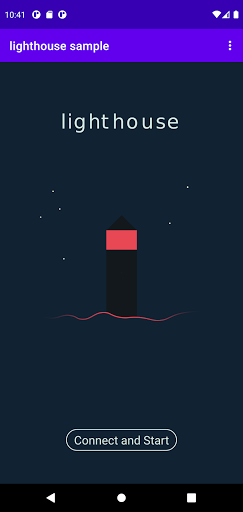
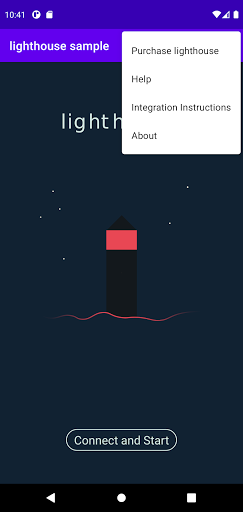
Lighthouse LiDAR Scanner is a demo application that allows you to visualize scans from the Lighthouse LiDAR device. This app is specially designed for those who wish to try out the Lighthouse LiDAR device to learn how to use it. All you need to do is turn on Bluetooth, connect to the Lighthouse device, and press "Connect and Start"!
Features of Lighthouse LiDAR Scanner
Lighthouse LiDAR Scanner is an easy-to-use application that is perfect for beginners. Here are the app's fantastic features:
- Demo application that visualizes scans from the Lighthouse LiDAR device
- Easy and quick setup using Bluetooth
- Real-time visualization of 2D and 3D point clouds
- Interactive zoom and pan feature
- Ability to save scans as .pcd or .ply file formats
- Adjustable visualizations with point size and color options
- Connection to Lighthouse device using Raspberry Pi
With Lighthouse LiDAR Scanner, you can easily visualize and save your Lighthouse LiDAR scans in different file formats. Its intuitive interface and interactive visualization make this app an excellent tool for anyone who is interested in using LiDAR technology.
Review
Overall, Lighthouse LiDAR Scanner is a must-try application for anyone who wants to explore the potential of LiDAR technology. With its simple setup and user-friendly interface, learning how to use Lighthouse LiDAR has never been easier. The app's adjustable visualizations, interactive zoom and pan feature, and file-saving options make it a great choice for beginners. Whether you're interested in scanning objects or learning new technology, Lighthouse LiDAR Scanner is definitely worth trying!


