

Voice Recorder
Voice Recorder App Info
-
App Name
Voice Recorder
-
Package Name
com.jksol.voicerecodeing
-
Developer
Calendar Date -
Category
Music & Audio -
Updated
2026/03/31
-
Version
94.2.4
Voice Recorder
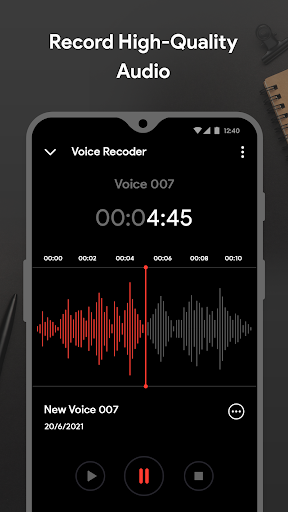
Smart Recorder High-quality Audio Recorder is the perfect voice recorder app for anyone who wants to record high-quality sound and edit their recordings easily. It's designed to be simple and powerful, so you don't need to spend hours learning how to use it or setting it up. You can start using it right away and enjoy its features.
Features
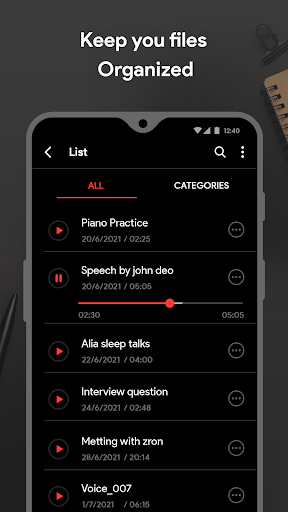
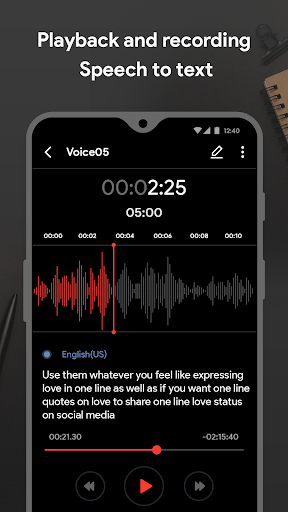
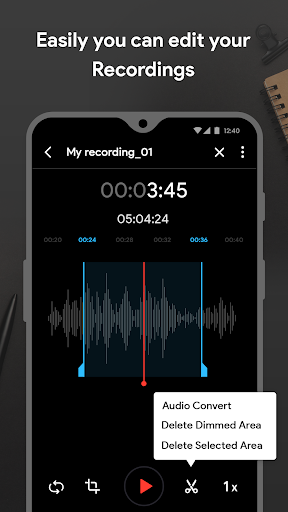
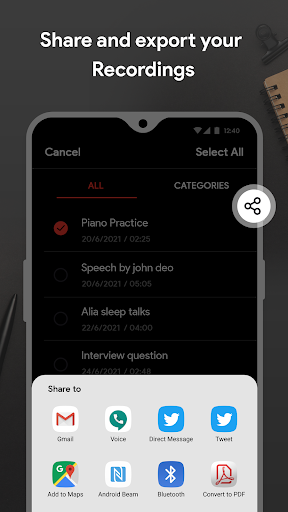
Voice Recorder & Sound Recorder is a free recorder app that includes various boosts and filters to improve sound quality. You can also use the audio editor to trim, cut, merge, and mix your recordings. Some filters include noise reduction, de-essing, and fade-in and out effects. It also has an immersive and easy-to-understand user interface, and you can reject incoming calls while recording. Other features include automatic and manual sensitivity control for Skip silence mode, recording in the background even when the display is off, live audio spectrum analyzer, saving sounds to the media library, smooth playback, integration with widget, audio recording voice notes, and built-in sound player supports media controls such as Skip muted, play speed, and Repeat mode.
Overall Review
Voice Recorder app is the perfect tool for anyone who needs to record high-quality sound and edit their recordings easily. It has a wide range of features, including noise reduction, de-essing, and fade-in and out effects, as well as an immersive and easy-to-understand user interface. You can also reject incoming calls while recording, record in the background even when the display is off, and save sounds to the media library. It also has a built-in sound player with media controls such as Skip muted, play speed, and Repeat mode. Download Smart Recorder High-quality Audio Recorder today and see why it's the best voice recorder app for USA and more.


