

Android Auto


Android Auto App Info
-
App Name
Android Auto
-
Package Name
com.google.android.projection.gearhead
-
Developer
Google LLC -
Category
Auto & Vehicles -
Updated
2026/03/25
-
Version
16.5.661214-release
Introducing Android Auto
Android Auto is your smart driving companion that helps you stay focused, connected, and entertained while on the road. With a simplified interface, large buttons, and powerful voice actions, Android Auto makes it easier to use your favorite apps from your phone while driving.
Powerful Functions
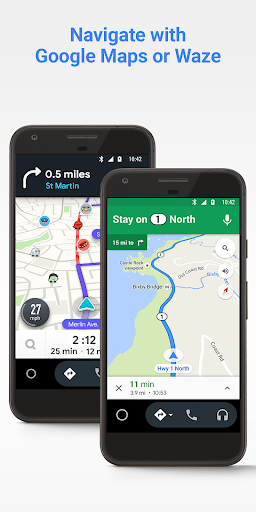
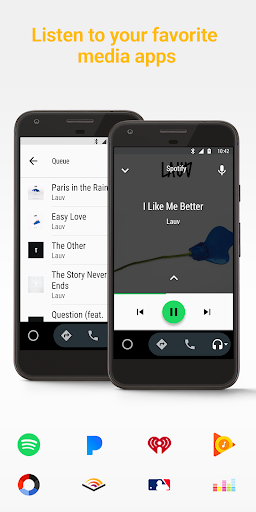
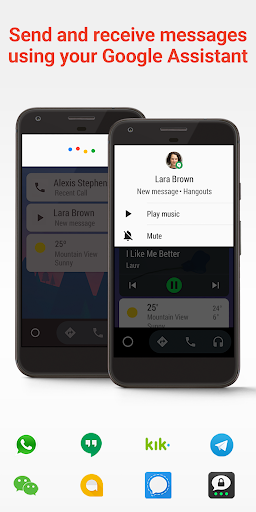
Just say “Ok Google” to get directions with Google Maps or Waze, get updates on your route, ETA, and hazards in real-time, check your calendar, set reminders, get news updates, and avoid distractions with a custom do not disturb message. You can also make calls and send and receive messages with the Google Assistant using various messaging apps. Plus, you can manage your infotainment system with music, radio, news, sports news, audiobook, and podcast apps.
Download Now
To use Android Auto, you’ll need a phone running Android 6.0 or higher and an active data connection. Over 400 car models now support Android Auto! To find out if your car display is compatible and how to enable it, check your owner’s manual or contact your car’s manufacturer. Download Android Auto now and get going!


