

Google Drive
Google Drive App Info
-
App Name
Google Drive
-
Package Name
com.google.android.apps.docs
-
Developer
Google LLC -
Category
Productivity -
Updated
2026/04/16
-
Version
2.26.157.5.all.alldpi
Introduction
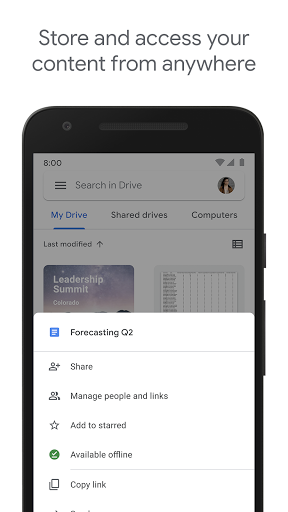
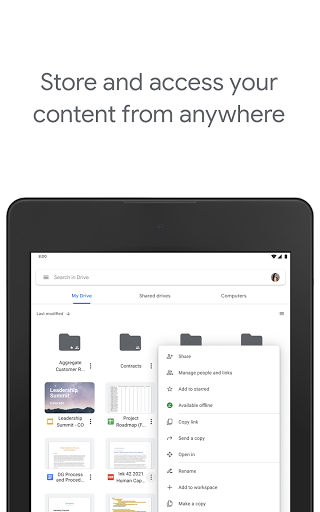
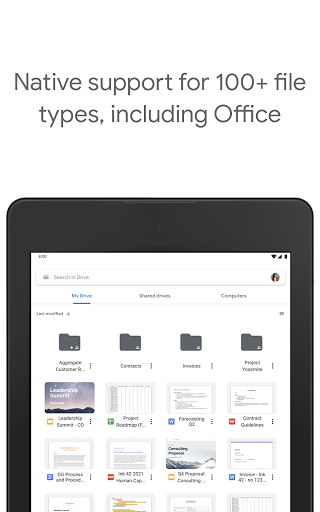
Google Drive is a secure storage and access platform for all your files. It is part of Google Workspace, a suite of cloud-based productivity tools. With Drive, you can store, access, and share your files from any device, anytime, anywhere.
Features
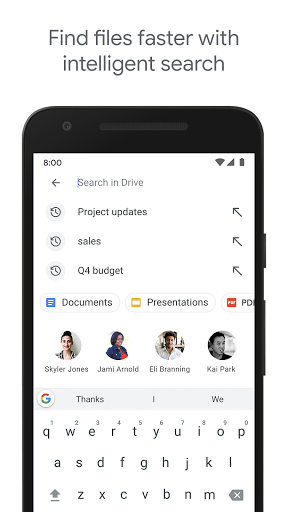
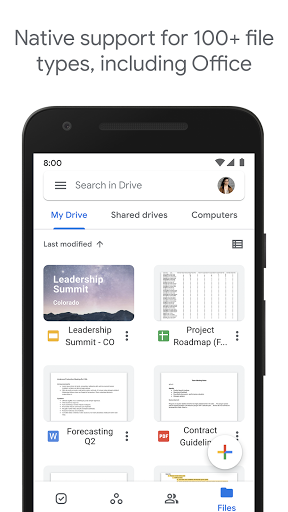
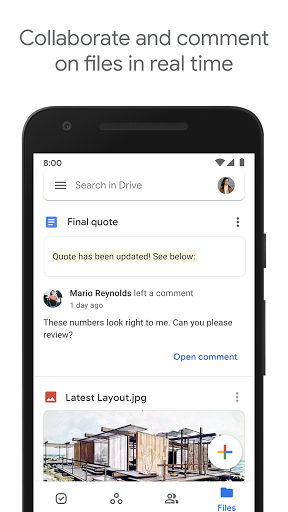
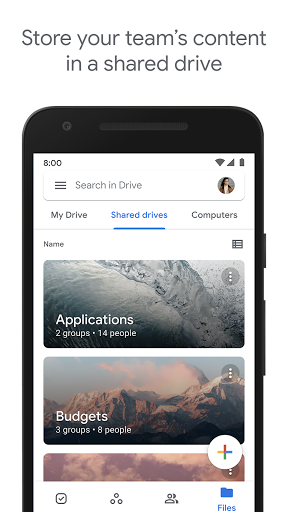
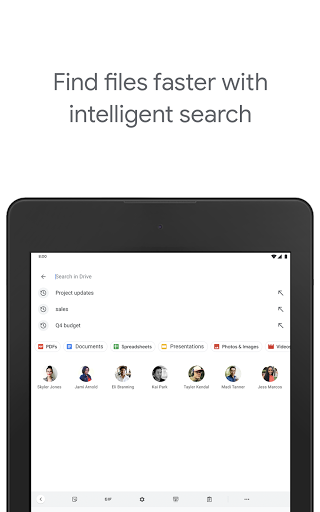
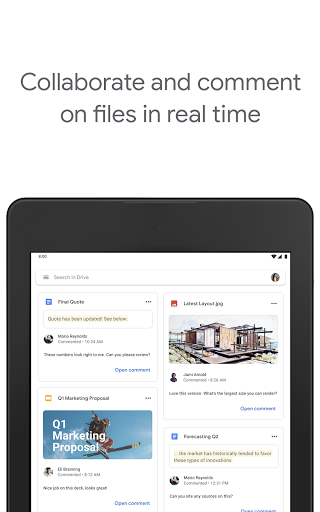
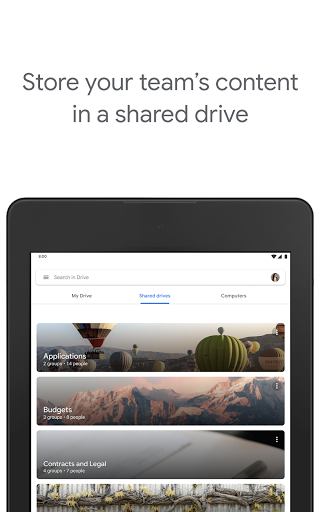
Drive offers a range of features to help you manage your files. You can quickly access recent and important files, search for files by name and content, share and set permissions for files and folders, view your content offline, receive notifications about important activity on your files, and use your device’s camera to scan paper documents. Google Workspace subscribers have access to additional features, such as managing users and file sharing, sharing files and folders with groups or teams, and creating a shared drive.
Download Now
Google Drive is free for all users, with 15GB of storage shared across Google Drive, Gmail, and Google Photos. Upgrade to Google Workspace or Google One for additional storage. Subscriptions start at $1.99/month for 100 GB in the US. Download Google Drive now and start managing your files with ease.


