

Microsoft Authenticator

Microsoft Authenticator App Info
-
App Name
Microsoft Authenticator
-
Package Name
com.azure.authenticator
-
Developer
Microsoft Corporation -
Category
Business -
Updated
2026/04/17
-
Version
6.2604.2550
Secure Sign-Ins with Microsoft Authenticator
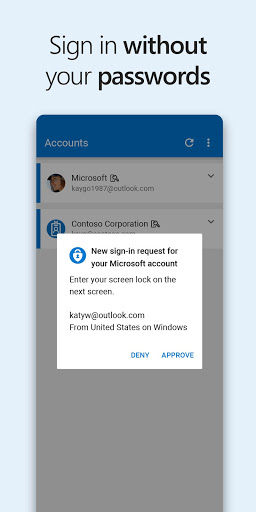
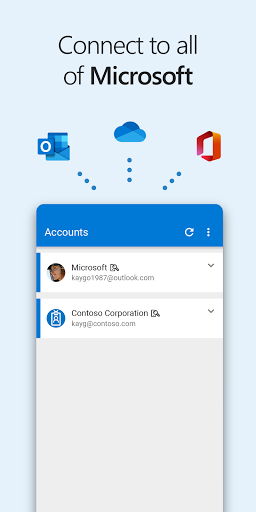
Microsoft Authenticator is the perfect app for secure sign-ins for all your online accounts. It provides multi-factor authentication, passwordless, and password autofill for added security. You can also manage your Microsoft personal, work or school accounts with additional account management options.
Easy and Convenient Authentication
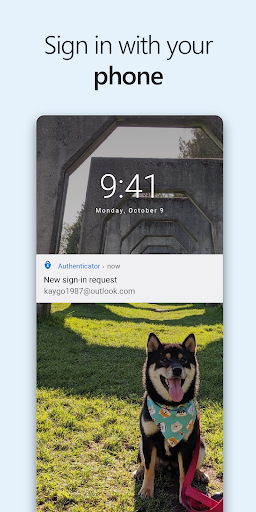
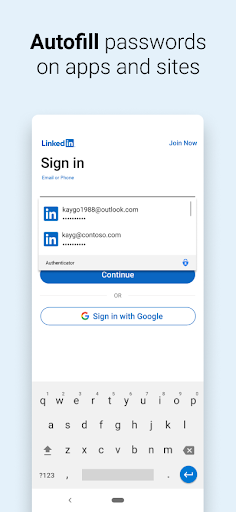
Multi factor authentication (MFA) or two factor authentication (2FA) provides a second layer of security. You can approve the notification sent to the Microsoft Authenticator, or enter the one-time password (OTP) generated by the app. You can also use your phone, not your password, to log into your Microsoft account. Autofill passwords for you with the Passwords tab inside the Authenticator app. You can also import passwords from Google Chrome and other password managers.
Download Microsoft Authenticator Now
Download Microsoft Authenticator now and enjoy the convenience and security of multi-factor authentication, passwordless, and password autofill. You can also register your device to your organization through the app and add your work or school account. Microsoft Authenticator also supports cert-based authentication by issuing a certificate on your device. Download now and start securely accessing additional Microsoft apps and services.


